Create document buckets from Business Rules or Custom Input Forms. Set [CX.SB.NEWDOC] to a comma separated list of the documents you wish to add.
Advanced Email
Description
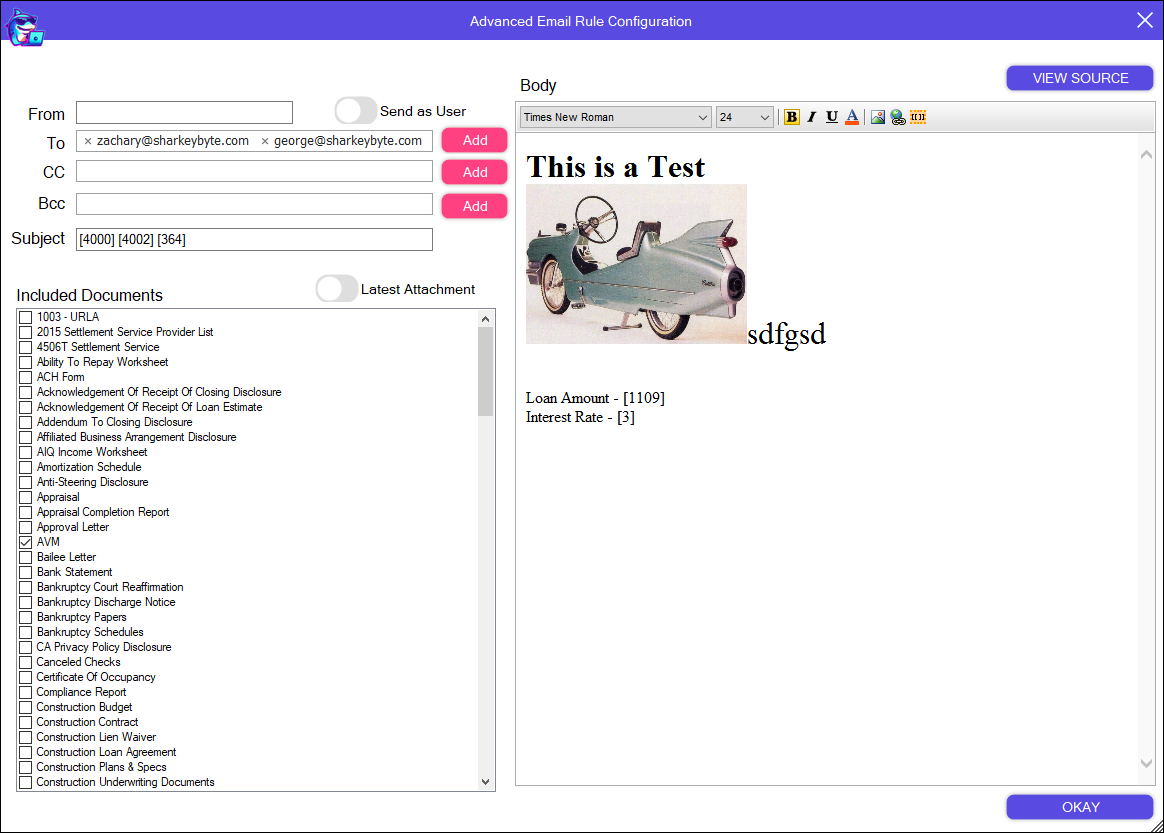
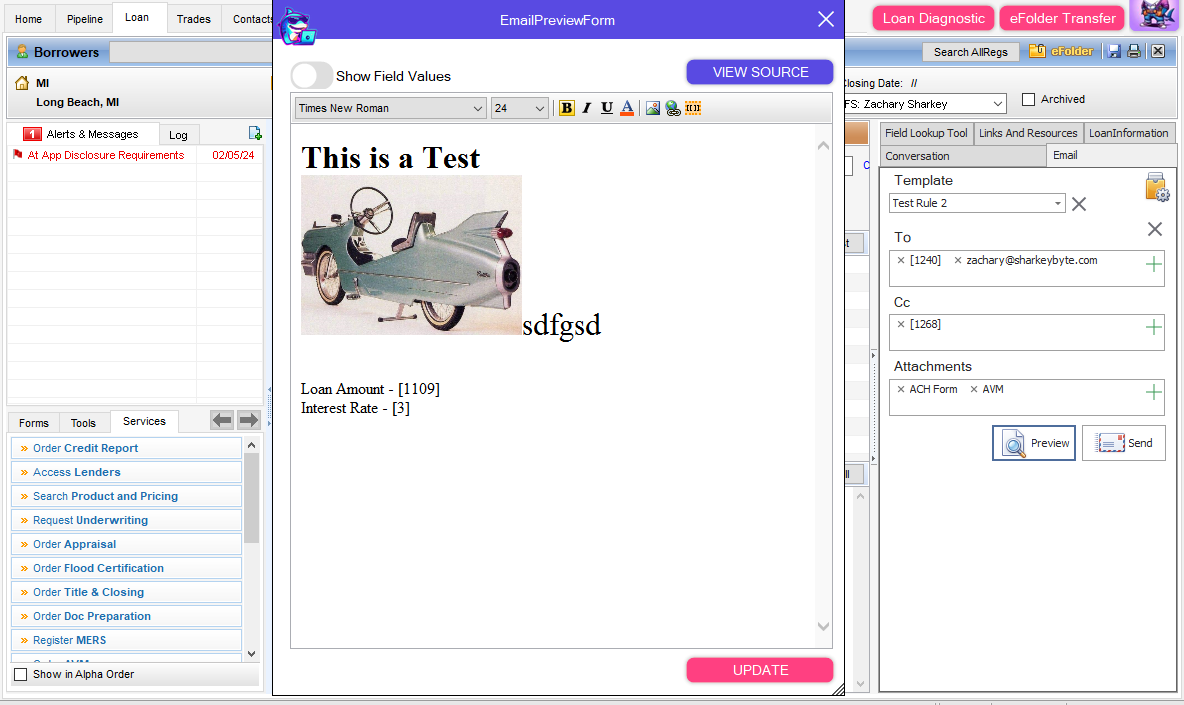
Create HTML email triggers using Loan Data and Loan Documents
Send from Outlook, SMTP or SendGrid Email Providers
Built in HTML Editor
Test fire your Email Rules
Setup Rule to run at Save or immediatly
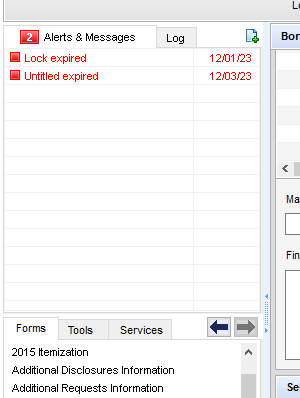
Alpha Alerts
Description
Make it easier for your users to identify what is important and what to pay attention to by sorting alerts alphabetically.
AMI Information
Description
Do you want to see AMI information before you run pricing?
This feature allows you to pull in all AMI data anytime you want in business rules.
Once you have the plugin enabled, verify the subject property address is filled out.
Use the trigger field to fill in the rest of AMI properties:
[CX.SB.AMI.TRIGGER] - "AMI Trigger Field"
[CX.SB.AMI] - "AMI Price"
[CX.SB.AMIPERCENT] - "AMI Percent"
[CX.SB.HIGHCOSTAREAINDICATOR] - "AMI High Cost Indicator"
[CX.SB.AMICLASSIFICATION] - "AMI Classification"
[CX.SB.CX.SB.AMISPECIALFOCUSAREA] - "AMI Special Focus Area"
[CX.SB.AMI.ERROR] - "AMI Error"
Analysis
Description
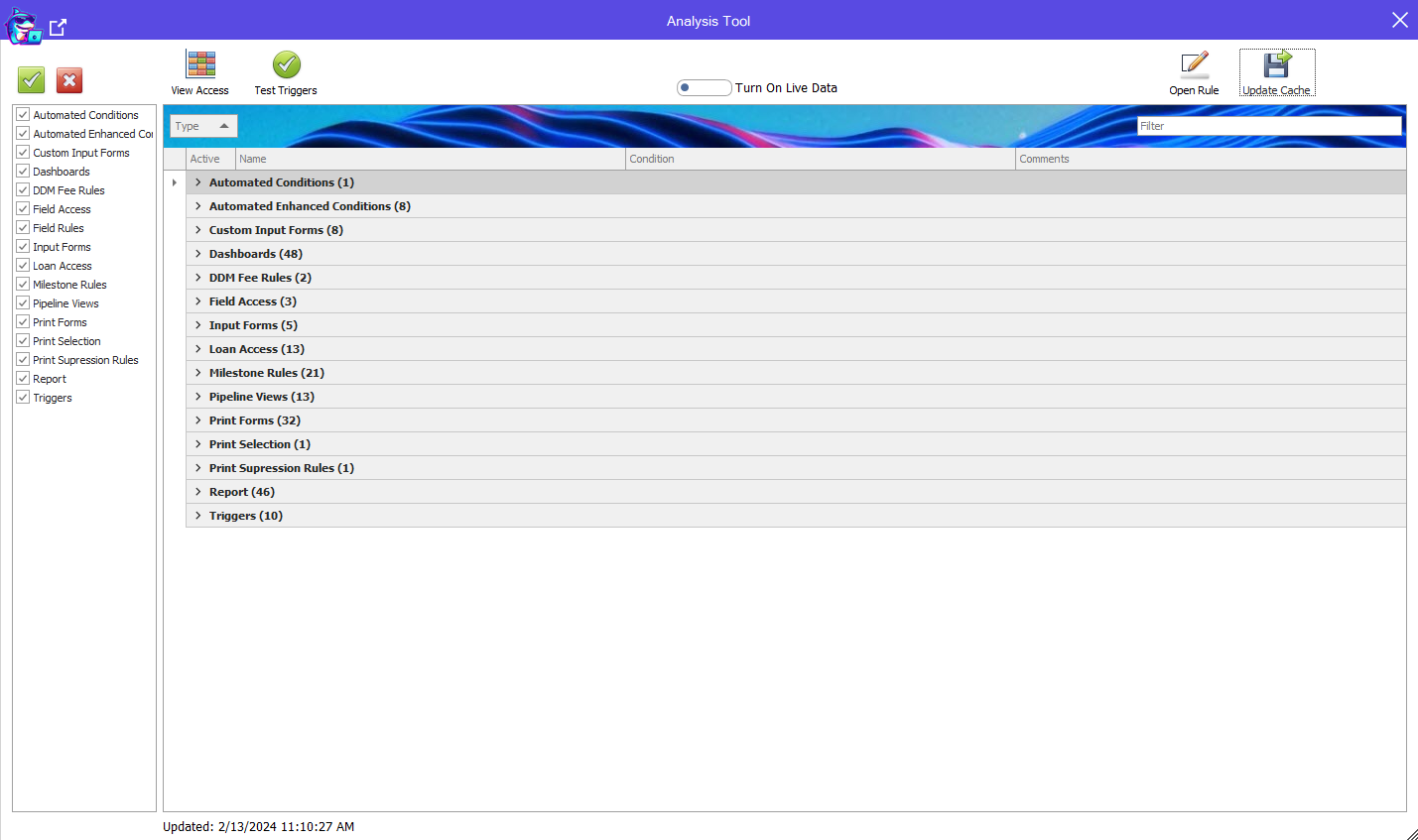
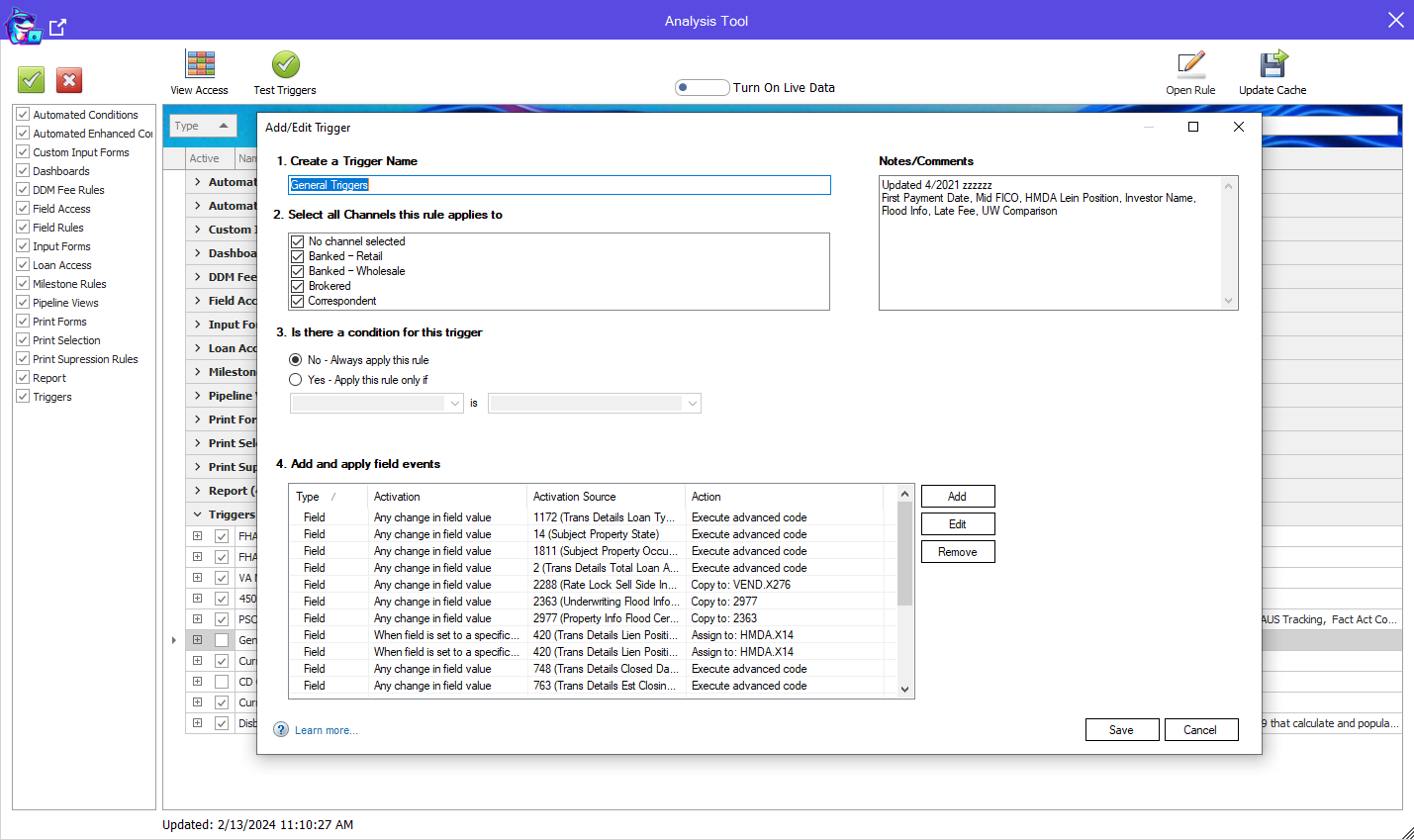
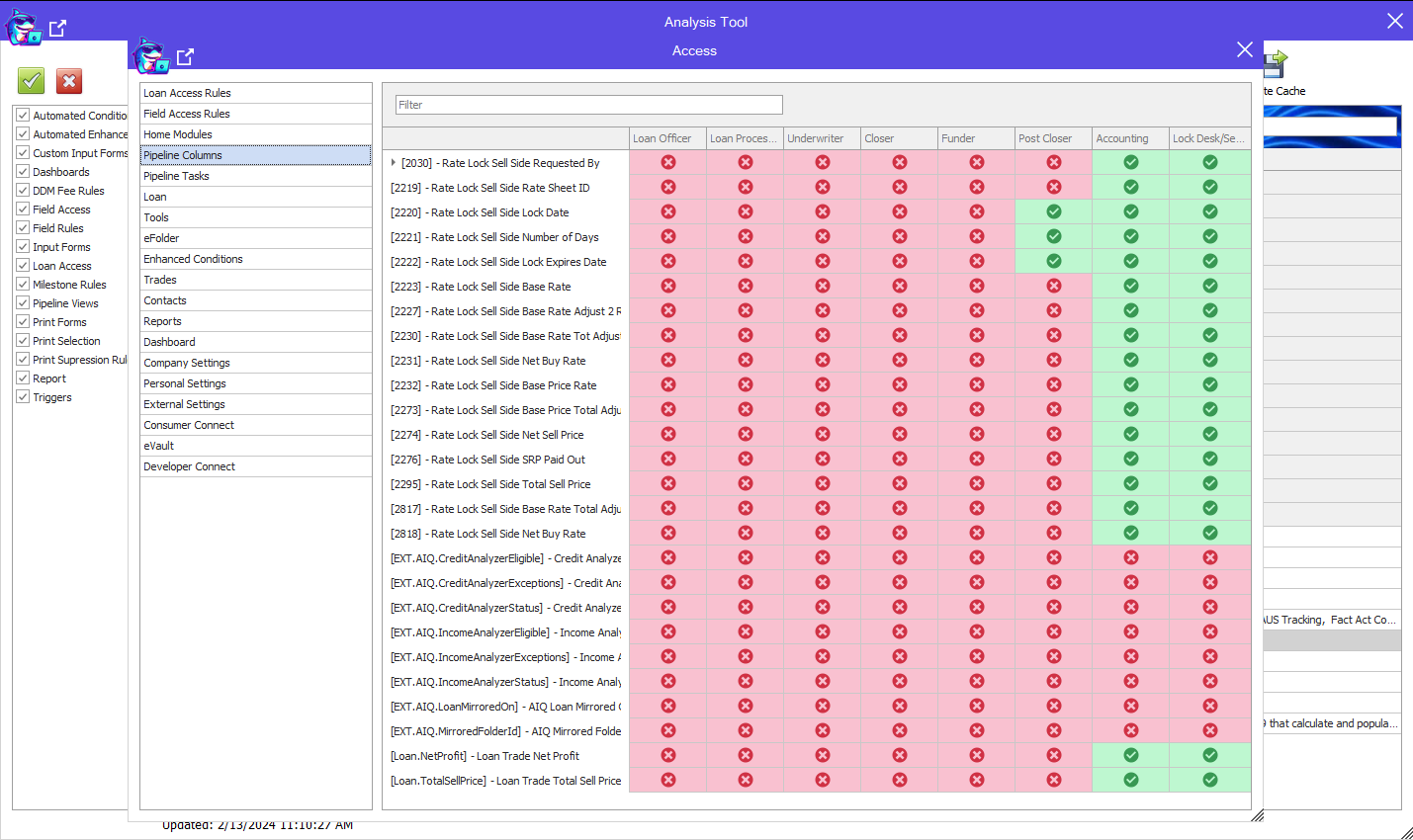
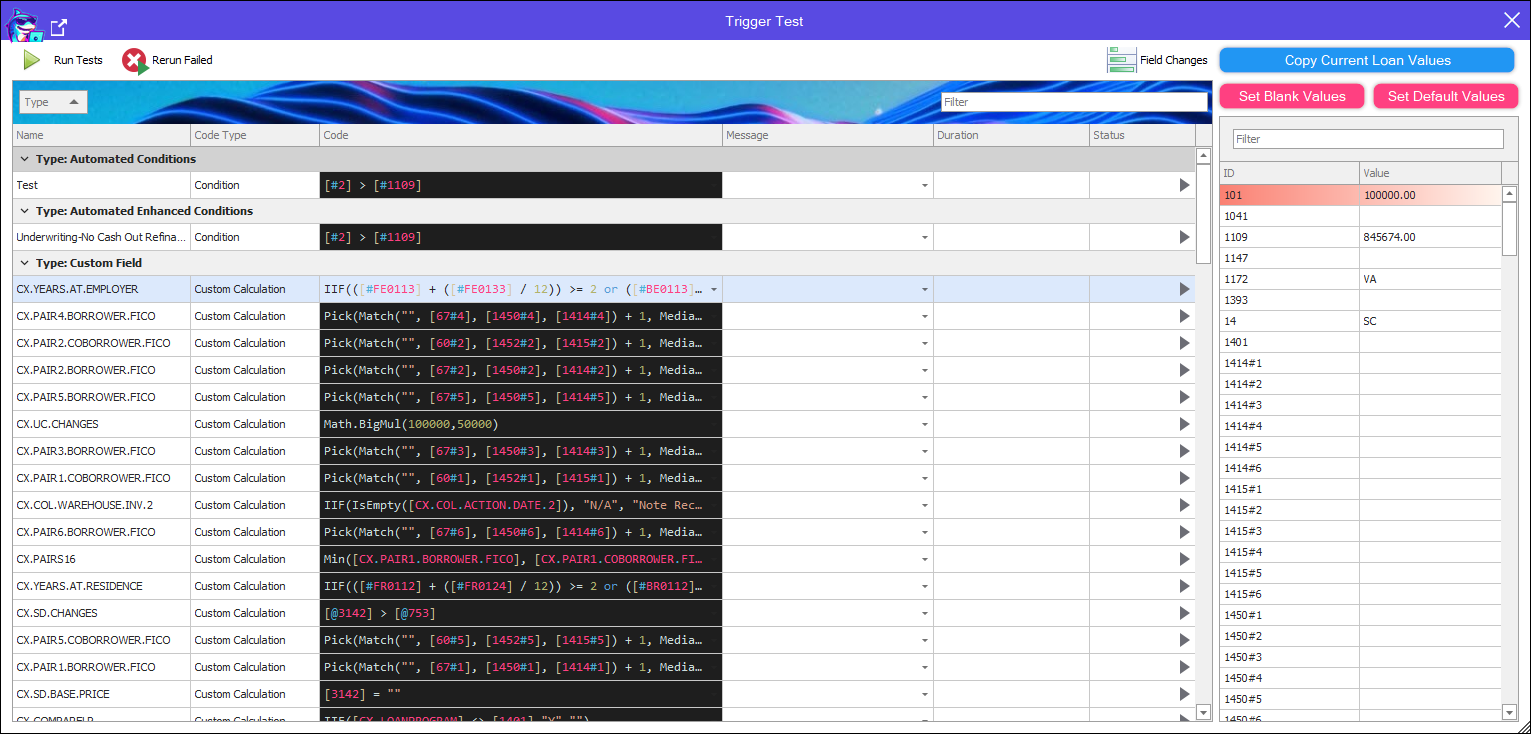
Analysis has three Tools: Setting Analyzer, Persona Access Visualizer and Code Tester
Setting Analyzer allows you to Open and Search through all Business Rules, Custom Print Form document text, Custom Input Form text, Dashboards, Reports and more!
Persona Visualizer allows you to get a graphical representation of Persona Access compared with eachother
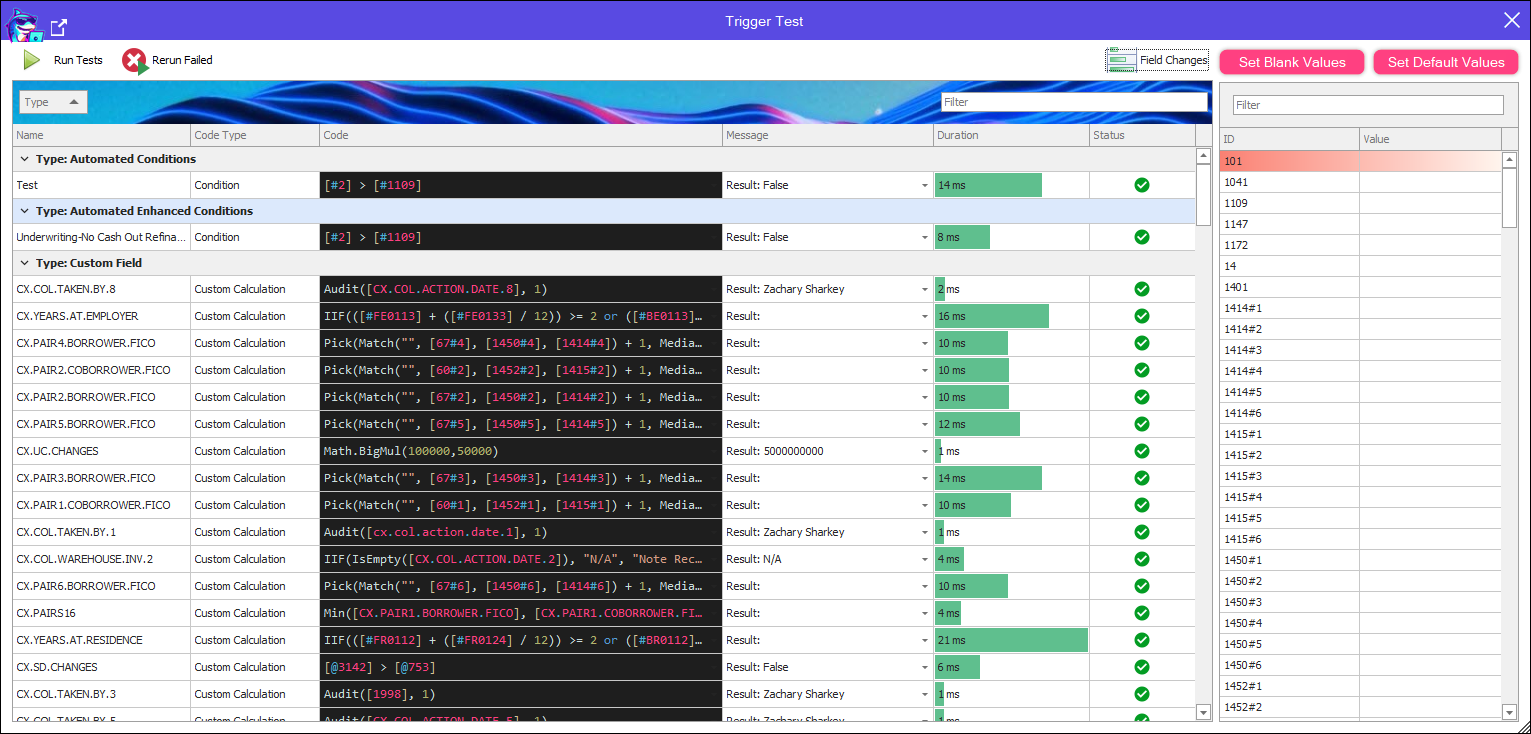
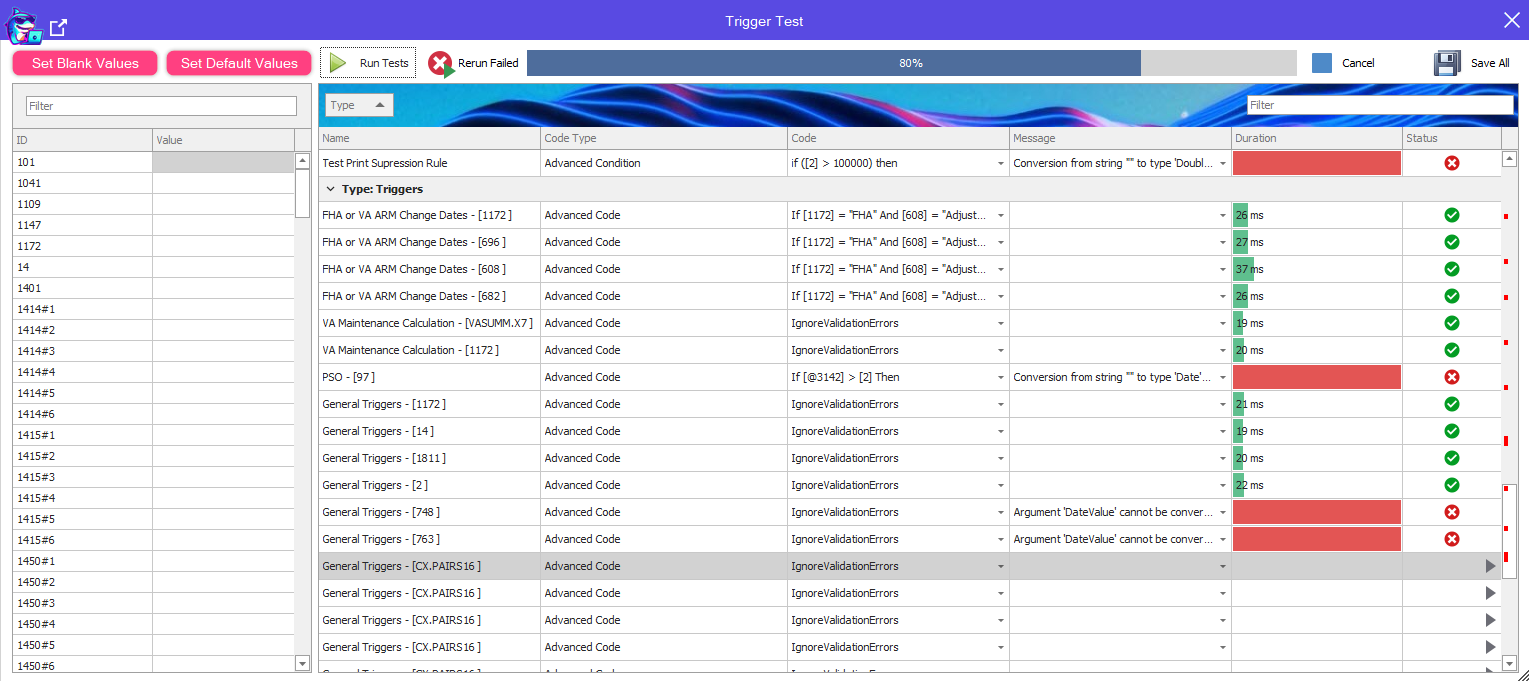
The Code Tester allows you to Test your Conditions, Advanced Conditions, Advanced Code and Calculated Fields
Preset the fields associated with your rules to see the calculated values at runtime
Run all of your code rules at once and see Runtime Exceptions
Rerun Failed Rules or run Coded Rule Individually.
Edit Code live and Retest!
Audit Trail Auto Pull
Description
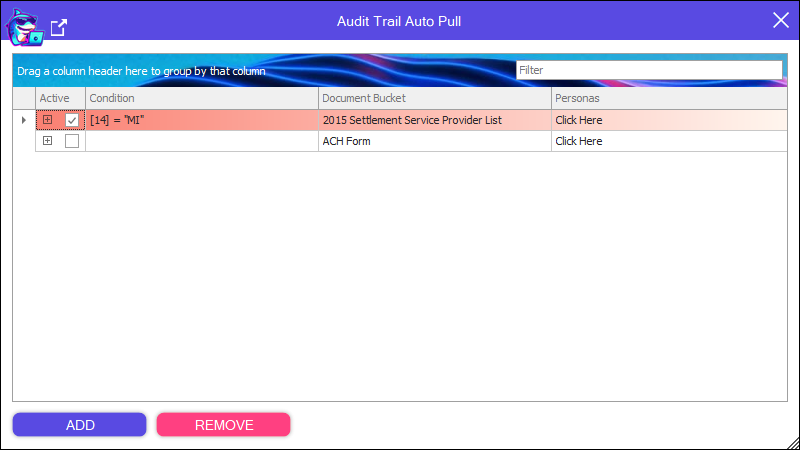
Automatically pull in the Audit Trail Attachments to your specified eFolder Bucket.
Auto Add Docs To Disclosures
Description
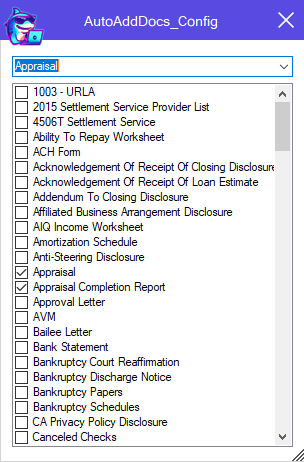
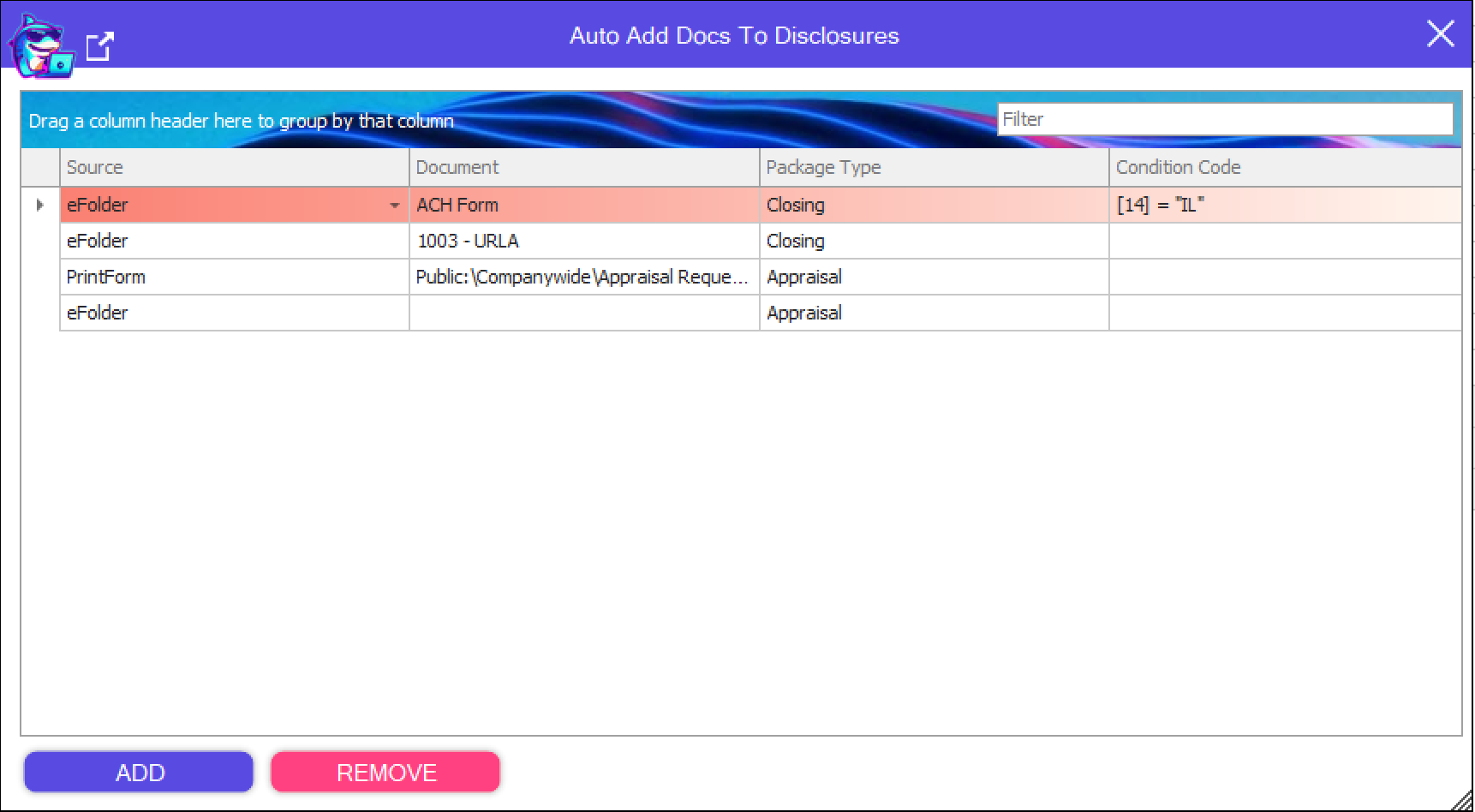
Automatically attach eFolder documents to your Disclosure Package automatically
Auto Assign
Description
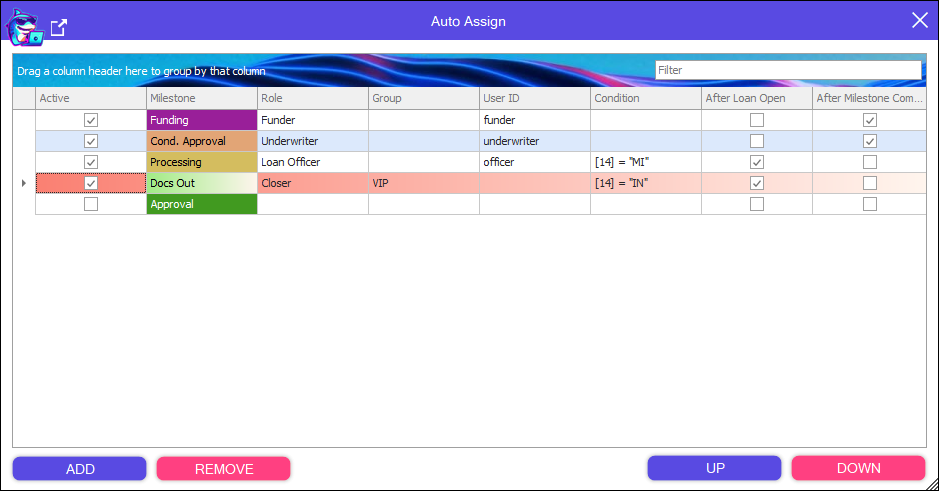
Automatically assign the roles tied to Milestones based on your configured rules.
Auto Retrieve
Description
Automatically retrieve downloads before Loan Save if available.
Auto Sign Out
Description
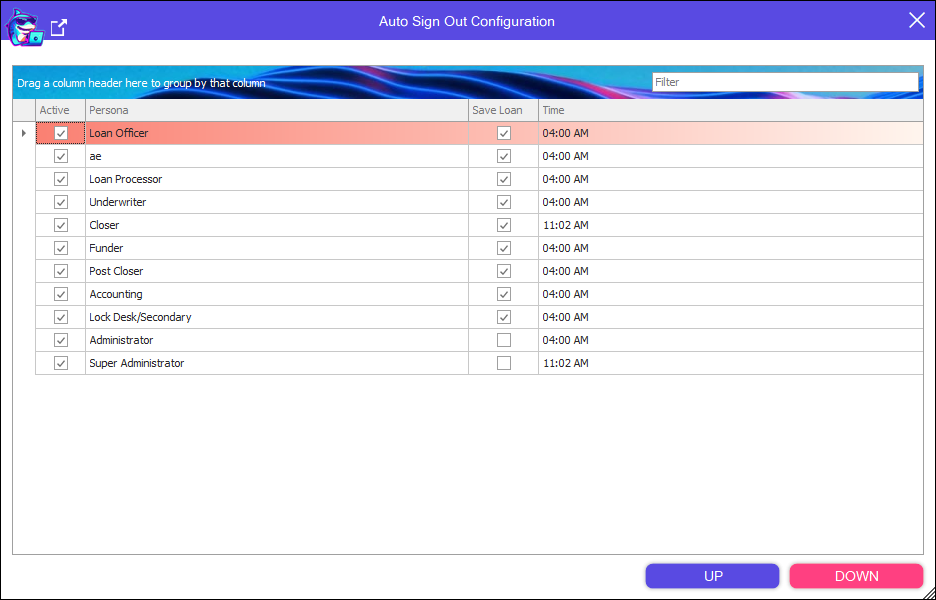
Logout Non-Super Encompass Users in the morning so All users are up to date every morning with updates.
Back and Forward
Description
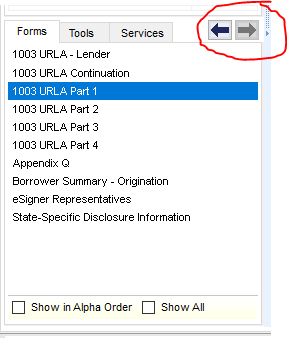
Click back and forth between forms you have previously visited in a Loan.
Batch
Description
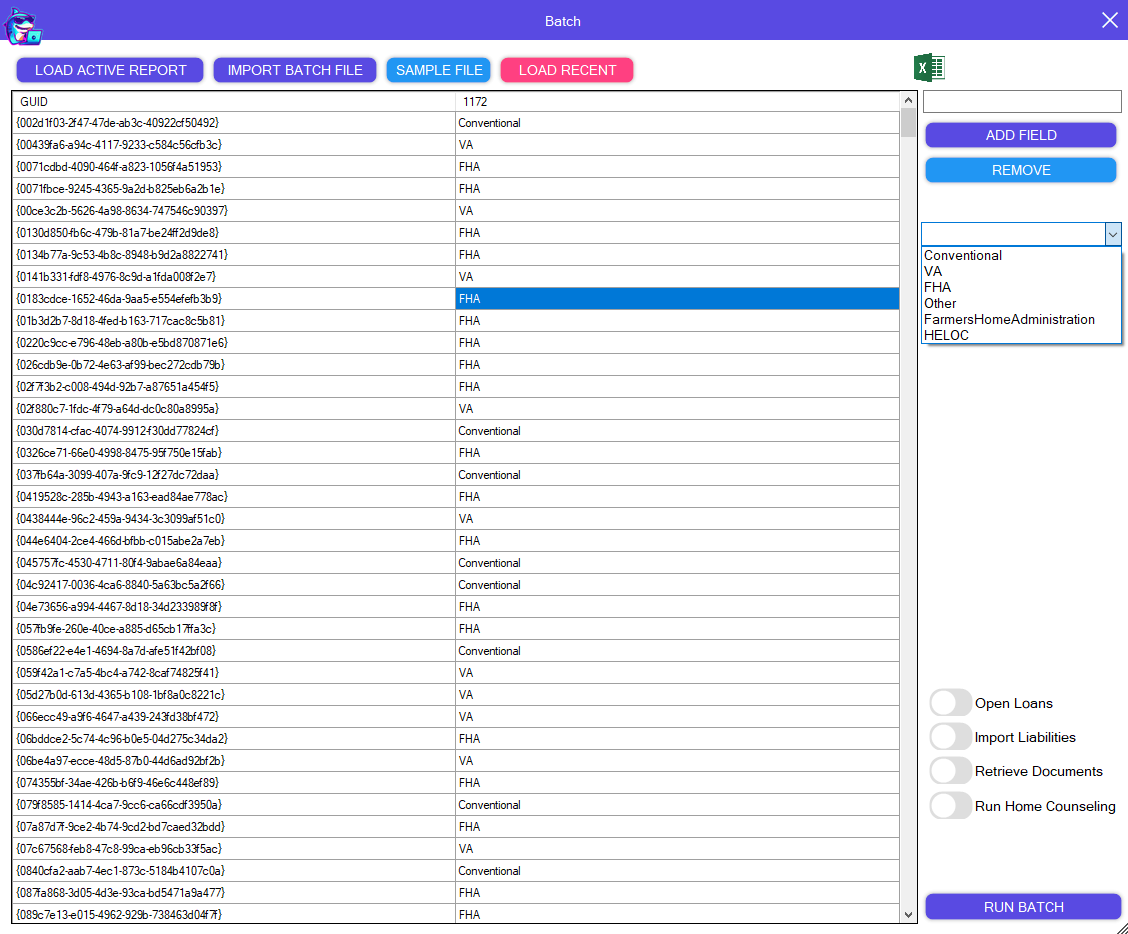
Batch Update loans using an Excel File or using the data from one of your Encompass Reports
Option for opening loans to run business rules, import liabilities, retrieve documents, and run home counseling
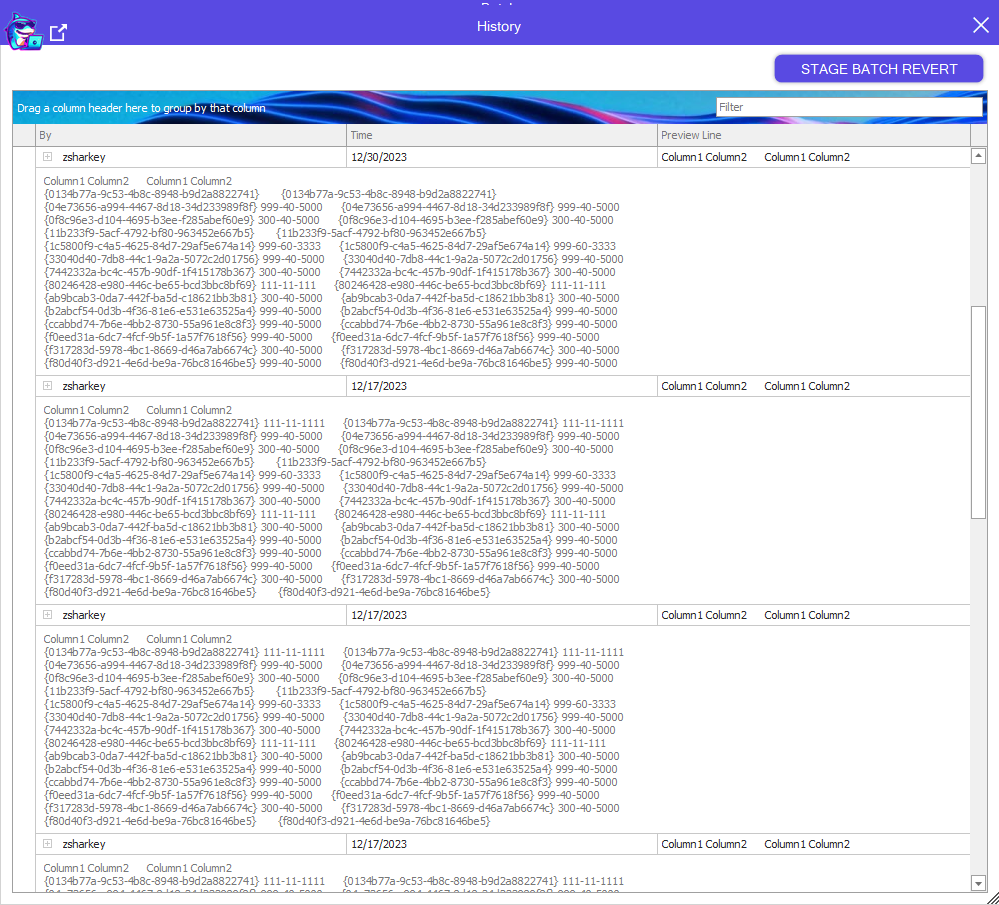
Batch History is kept, allowing you to revert a batch with One Click
Clear Empty Buckets
Description
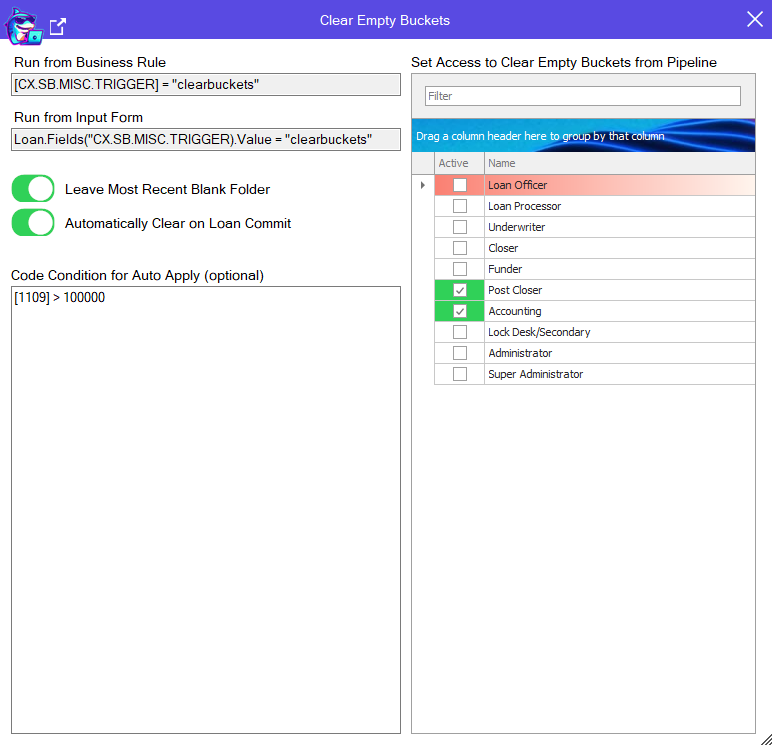
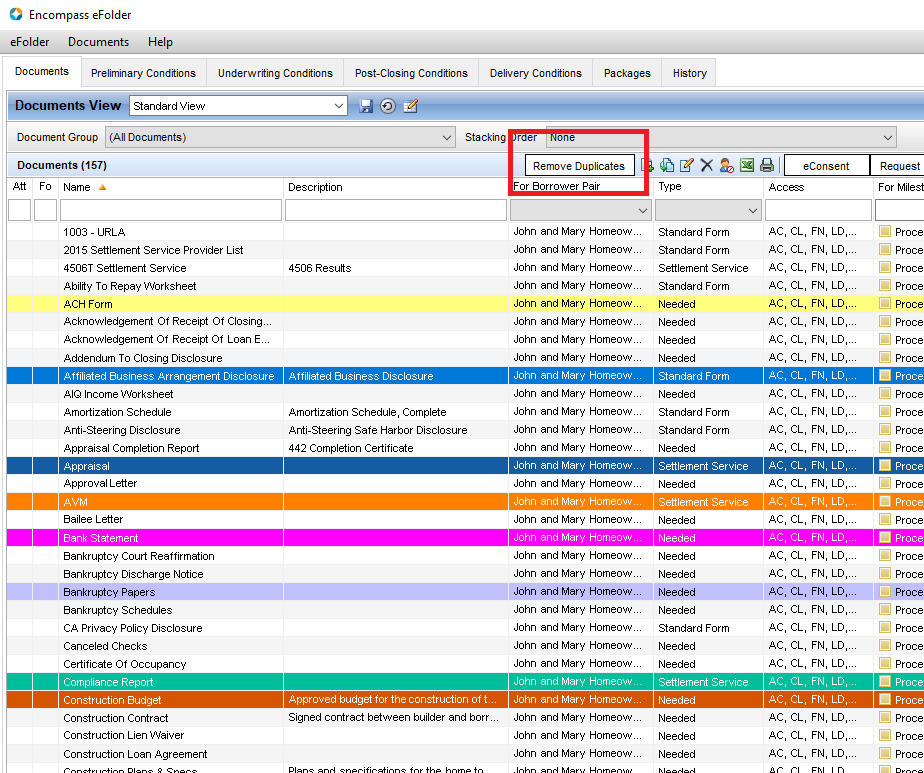
Automatically clear empty eFolder buckets on save with coded condition.
Manually clear empty eFolder buckets.
Manually clear empty eFolder buckets from the eFolder window
Concurrent Sessions
Description
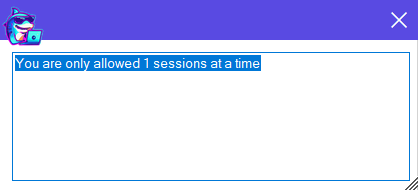
Make sure your users only have 1 Session or how ever many you determine they need, by persona or globally.
Disclosures
Description
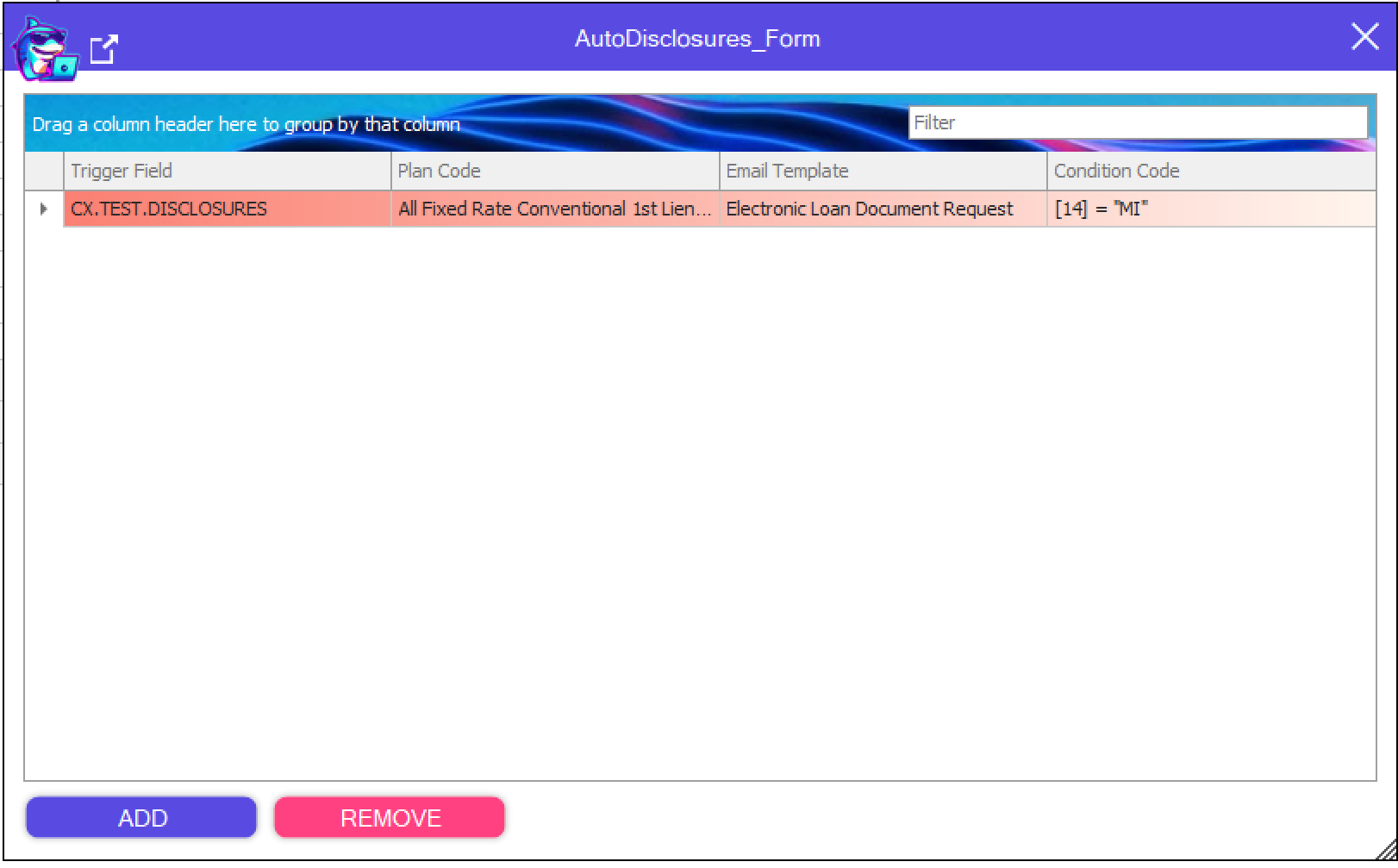
Automatically run disclosures, set plan code and set Email Template.
Doc Transfer
Description
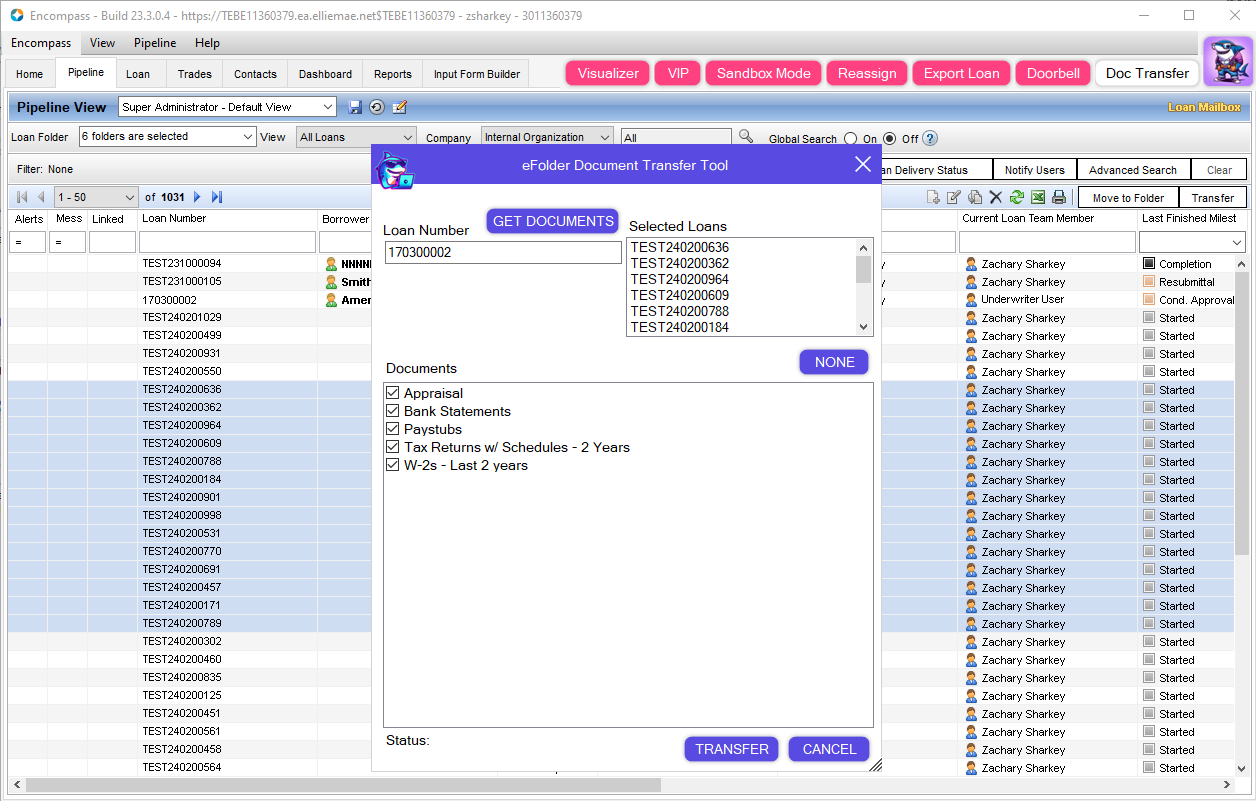
Transfer Loan Documents from one Loan to all of the loans you have selected in your Pipeline, with a few simple clicks.
Doorbell
Description
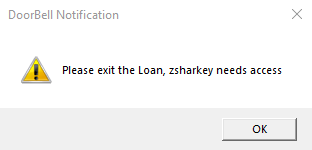
Loan locked by someone and you need access?
Notify the person in the Loan that you need in!
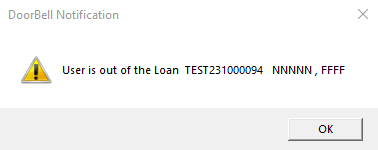
Get notified when they are out of the file.
eConsent Auto Pull
Description
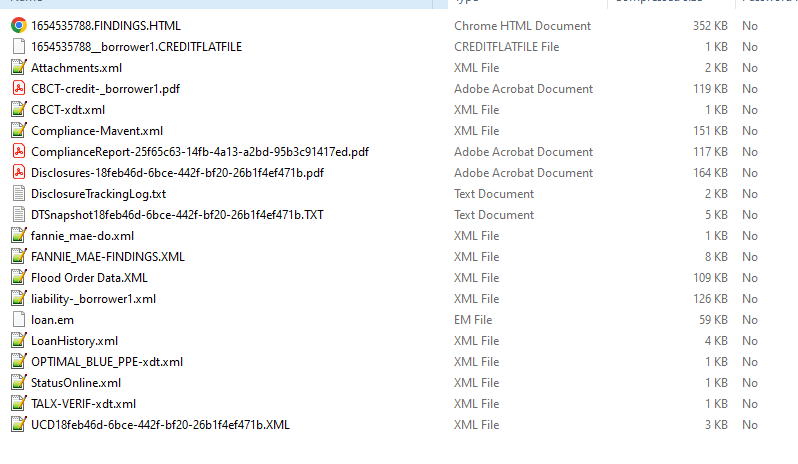
Automatically pull the eConsent PDF to your specified Document Bucket when available.
eFolder Buttons
Description
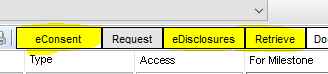
Retrieve and Request Documents from Business Rules or Custom Forms with your specified Documents
Automatically send the Request without user intervention
Request eConsent from a Business Rule
Specify which documents you want to be requested or retrieved, or select everything.
eFolder Grid Color
Description
Your Underwriters will love you for having this Tool
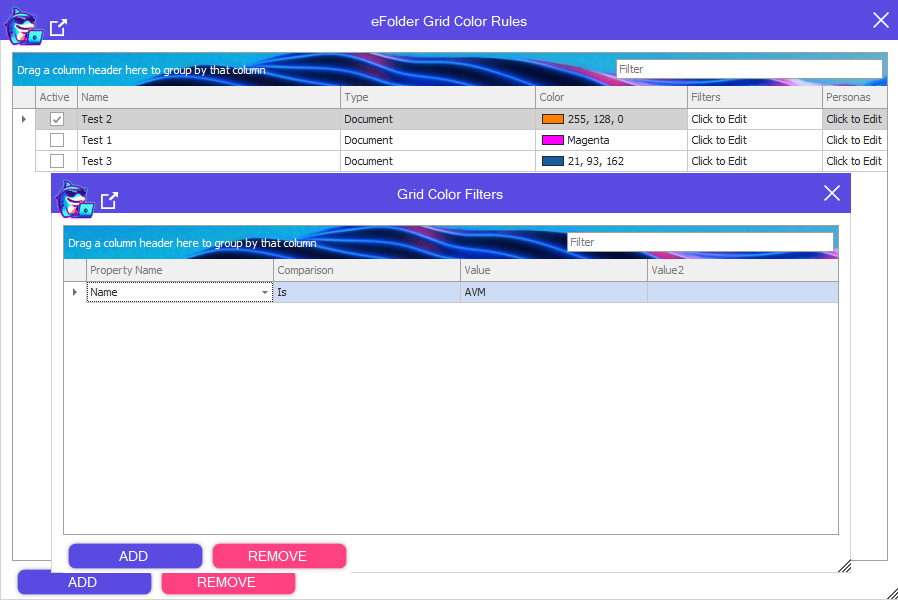
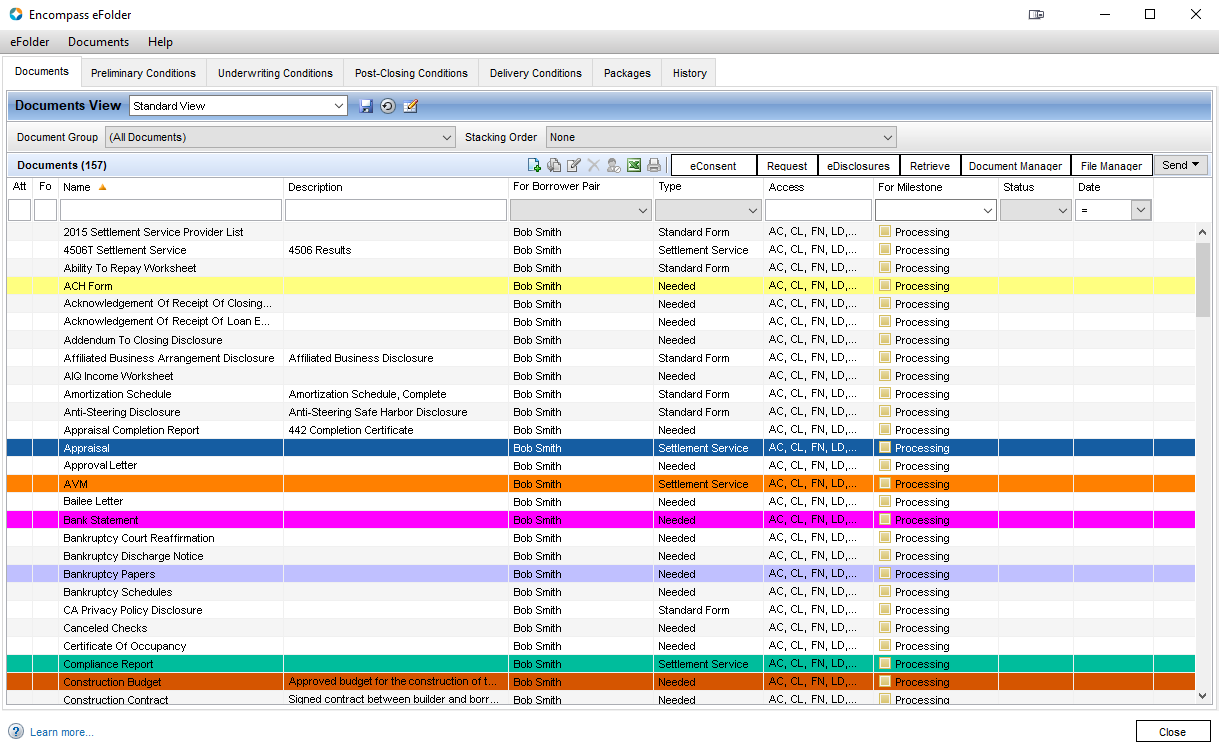
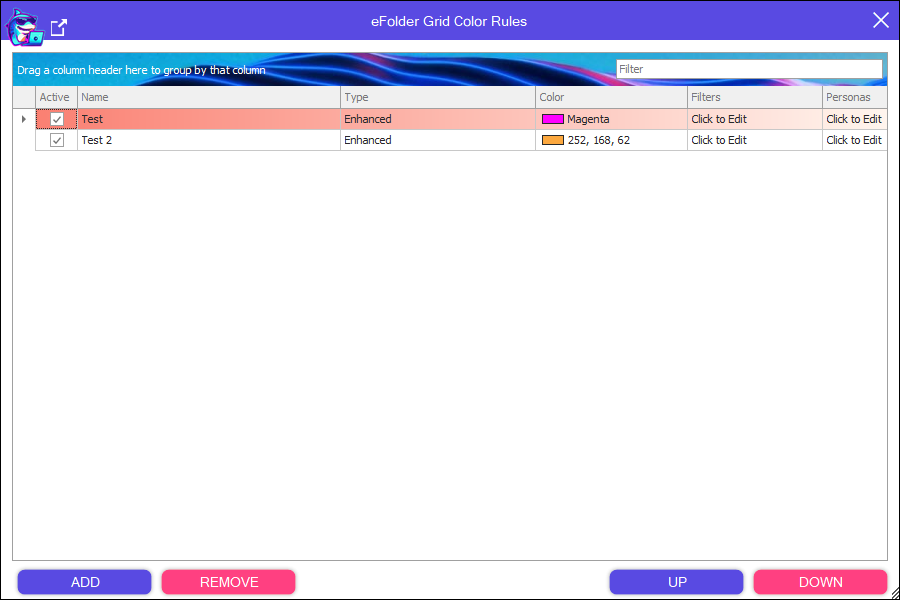
Color your eFolder Documents and Conditions based on any property available, or a combination of properties avaliable.
(4.26.24) New Feature - Enhanced Conditions Support
eFolder Transfer
Description
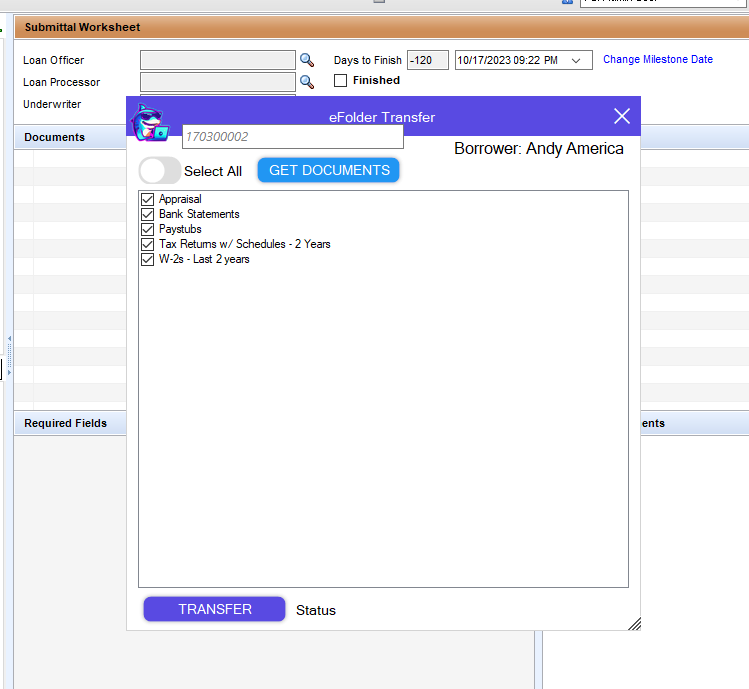
Transfer Documents from a Loan to the Loan you are currently in, even linked loans!
Email Report Automation
Description
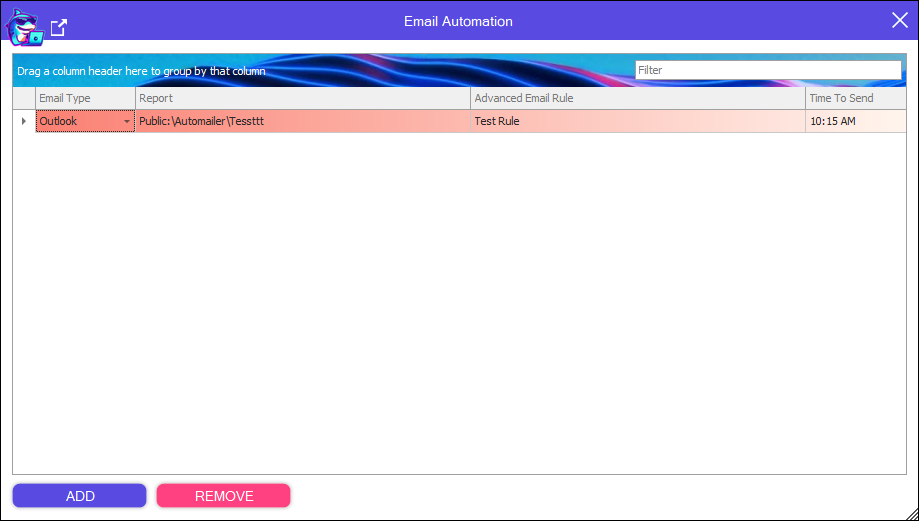
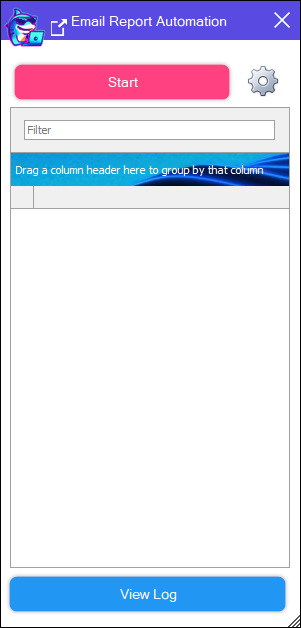
Automatically Email Encompass Reports daily using the Advanced Email Rules.
Enhanced Condition Map
Description
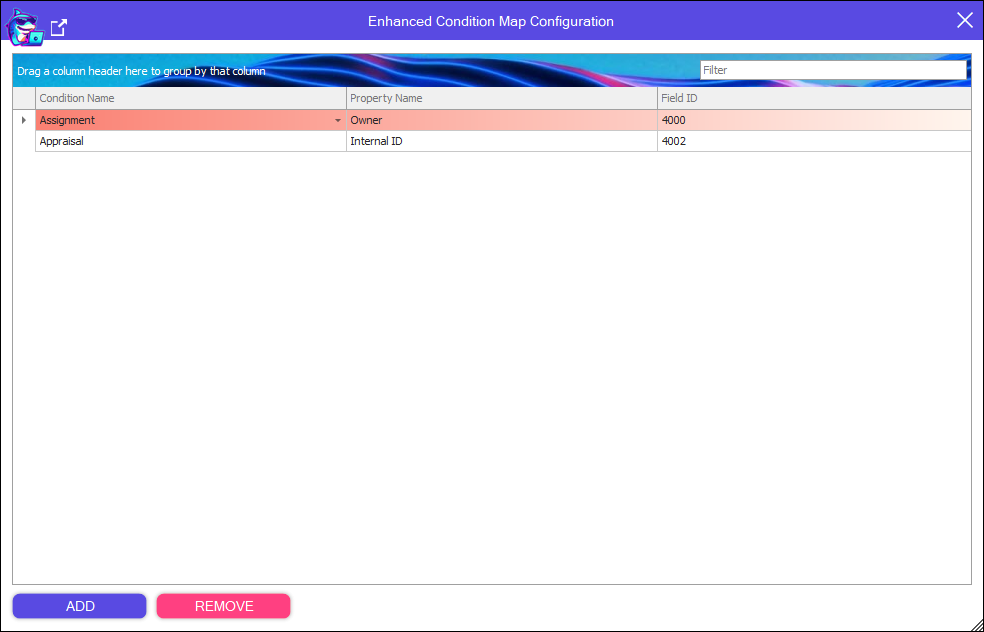
Map the properties of any Enhanced Condition to any field.
EscrowAccount
Description
Clear Escrows from Business Rules or Custom Input Forms.
Export Loan
Description
Export your raw loan data including history of any services you have ran.
Export Services
Description
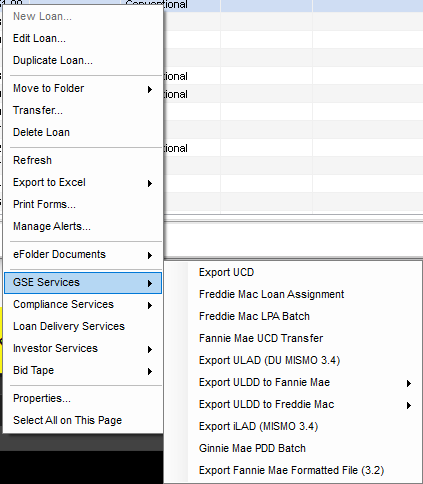
Use the GSE export features inside of a loan by business rule or custom input form button.
Fields
Description
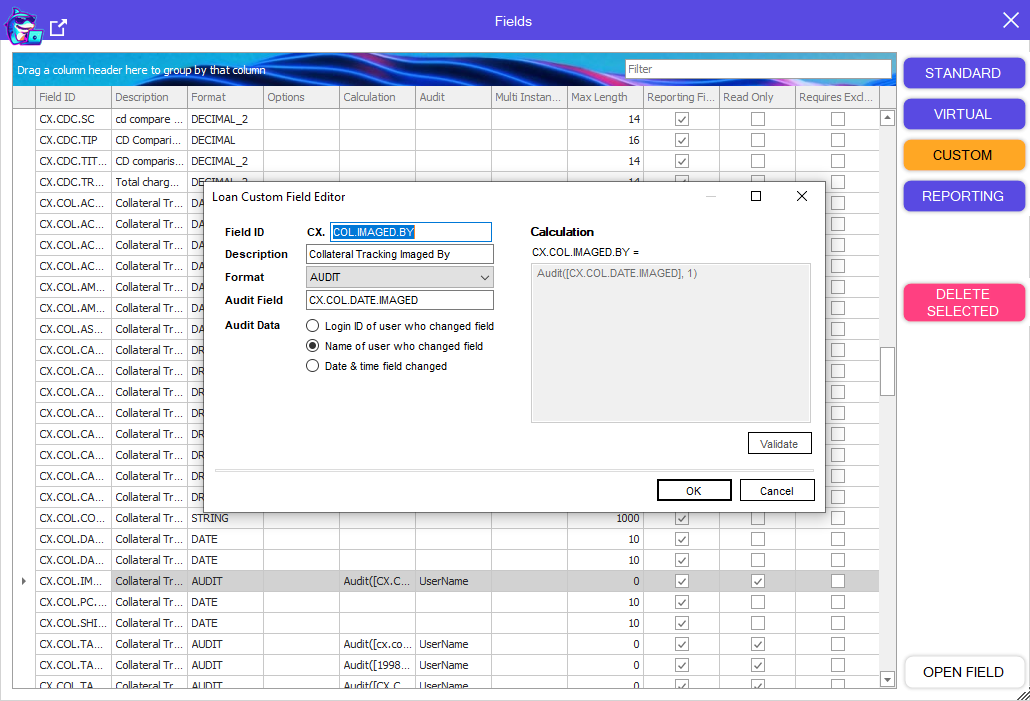
Search and Gain ultimate control of your Custom Fields
Mass delete your Custom Fields for ease of maintenance of your system
Create and Edit Custom Fields quickly without opening settings
Goodbye Performance Message
Description
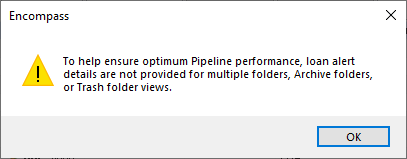
Tired of seeing the Yellow Performance Message everytime you click All Folders in the Pipeline?
No MORE!
Grid Color
Description
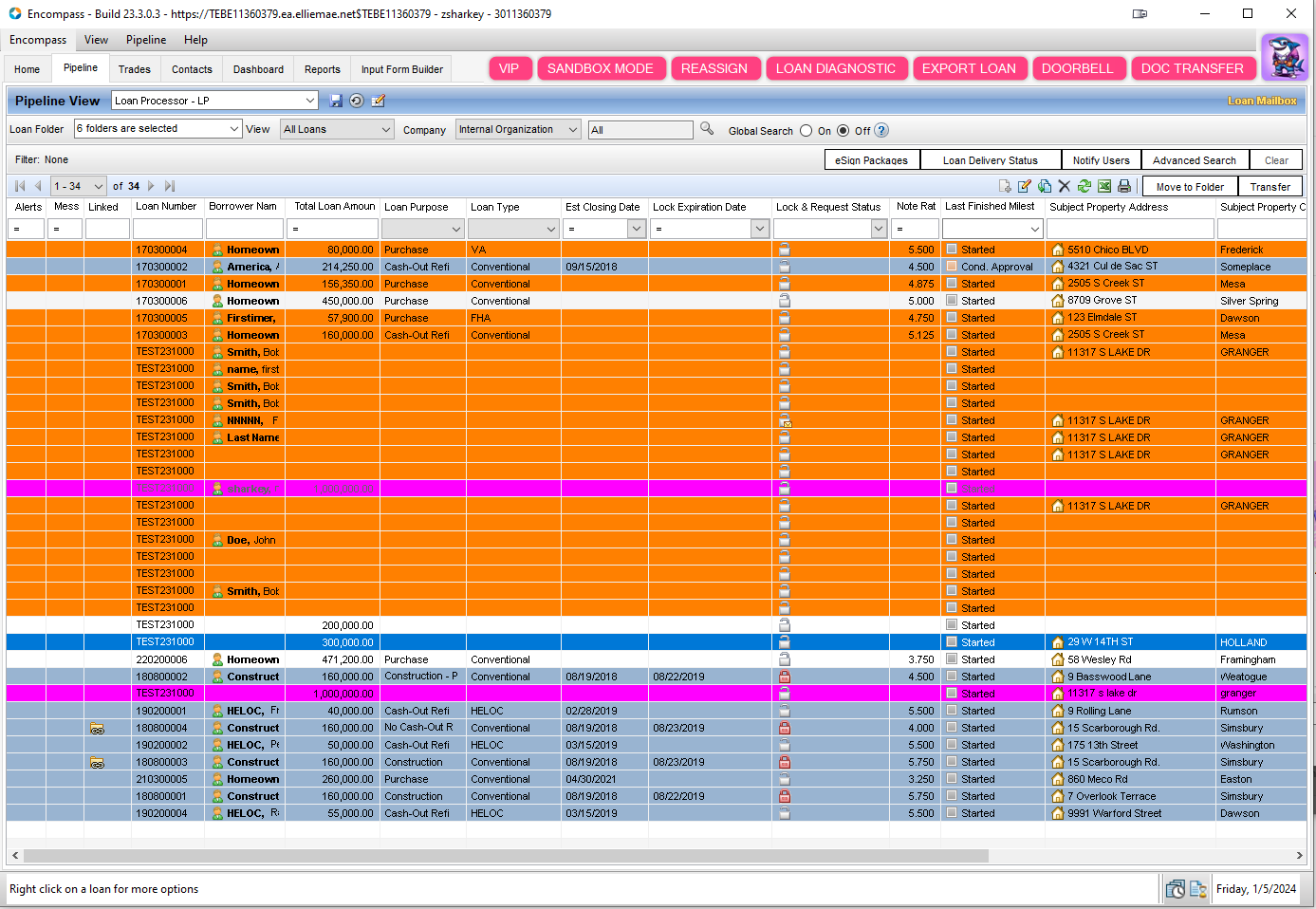
Color the loans in your Pipeline based on the data in the pipeline
No extra Api calls that slow your system down
Set your rules to activate by persona
Grid Search
Description
Search box for all of the Grids in the Encompass Settings window, making it easy to narrow your search.
Home Counseling
Description
Automatically run and fill out top 10 Counselors when Address Fields change.
This is now available through Encompass Admin Tools Settings by ICE.
Import Liability
Description
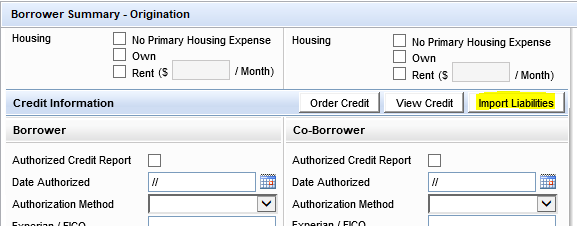
Automatically Import Liabilities on Loan Commit.
Input Form Builder
Description
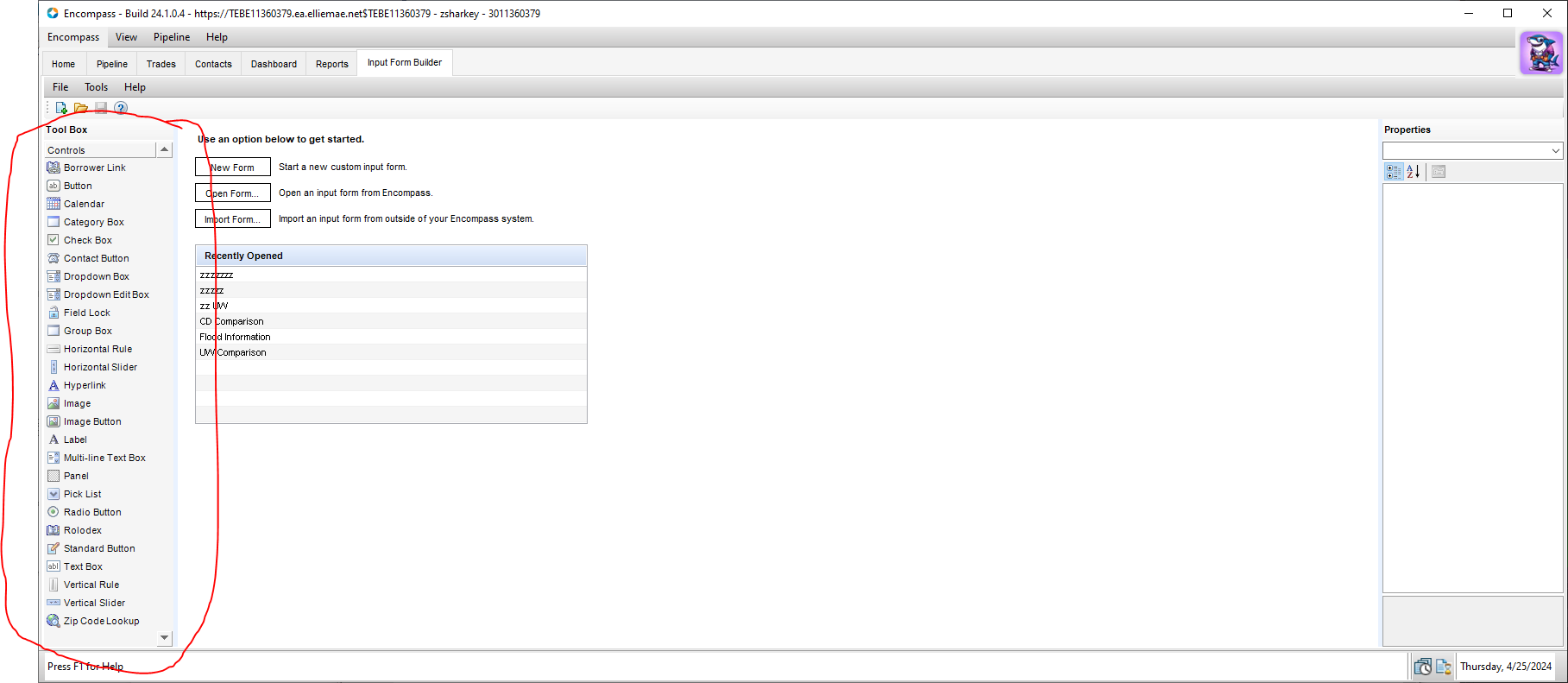
Bring the Input Form Builder into Encompass as a Tab
NEVER log into Input Form Builder again, NEVER worry about selecting the right Environment
Input Form Sets
Description
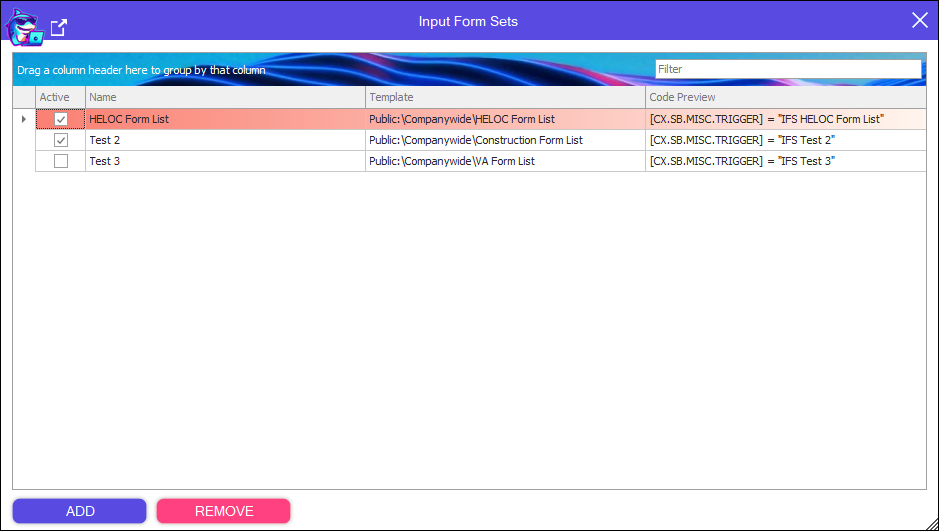
Automatically apply Input Form Sets in your Business Rules
Loan Count
Description
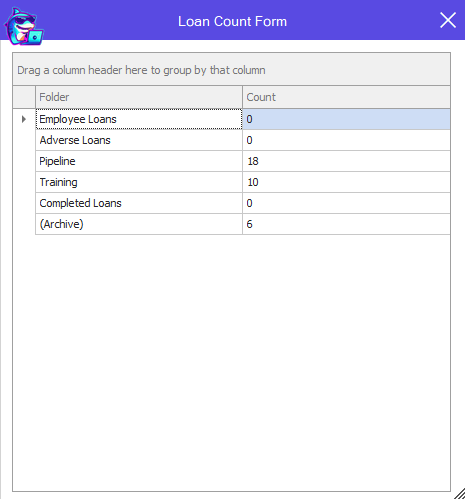
Show a quick count of how many loans are in each folder in your Encompass Environment.
Loan Diagnostics
Description
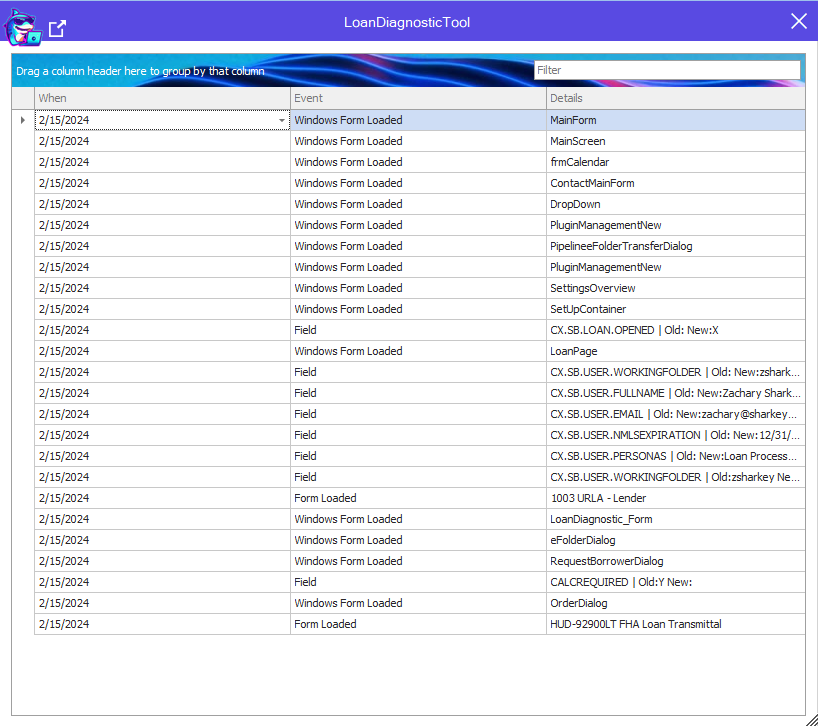
Trying to diagnose what's going on within your Loan?
See Fields Changed, Windows Opened, Forms Visited, Services Ran, and MORE
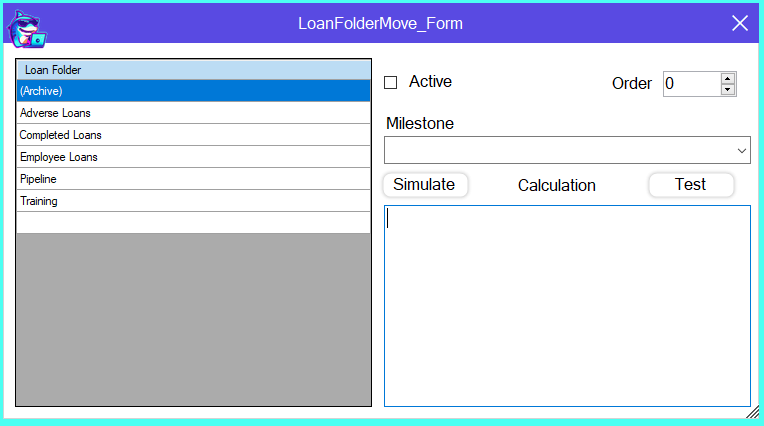
Loan Folder Move
Description
Move your loans to different folders based on Advanced Conditions
Control the order in which folder rules fire
Don't worry if your Users have access to the Folder being moved to, the tool will override
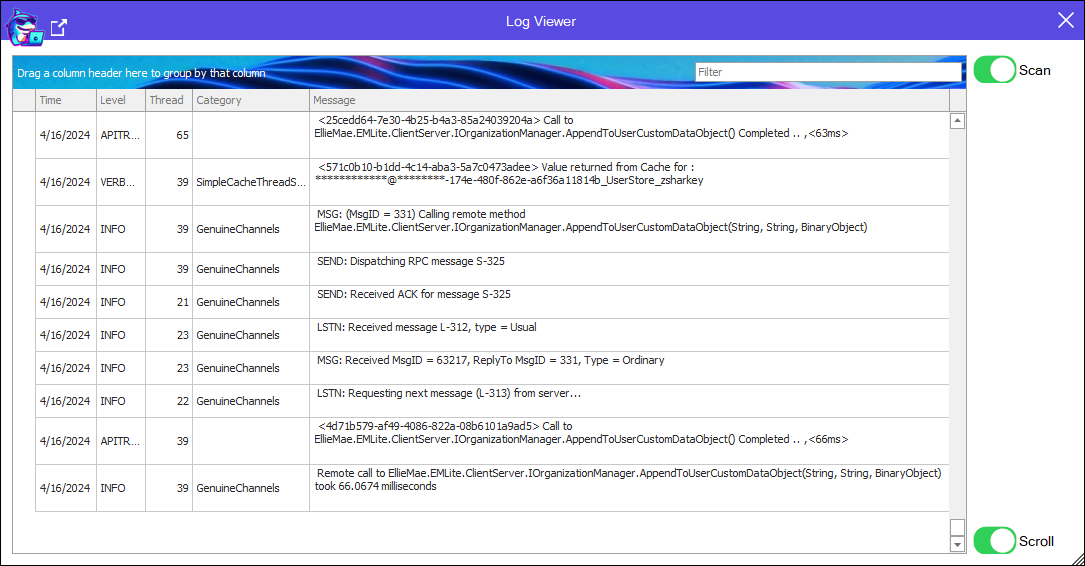
Log Debugger
Description
If you need more information than Loan Diagnostics will give you, the Log Debugger is here.
Stop, Start and easiy Categorize the Encompass Debug Log
See when triggers are firing
Merge Docs
Description
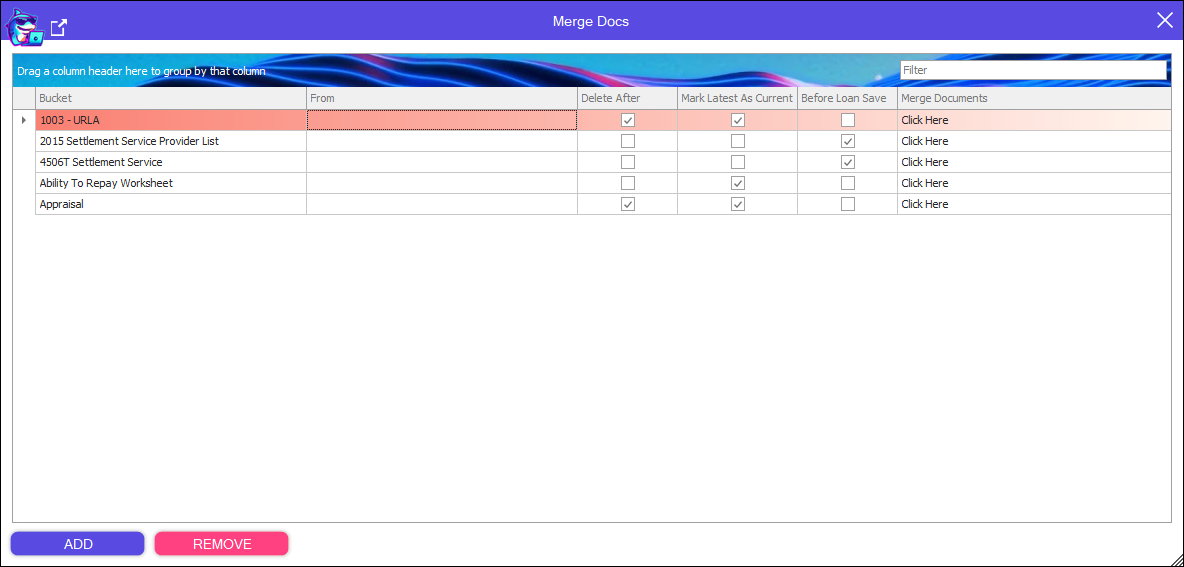
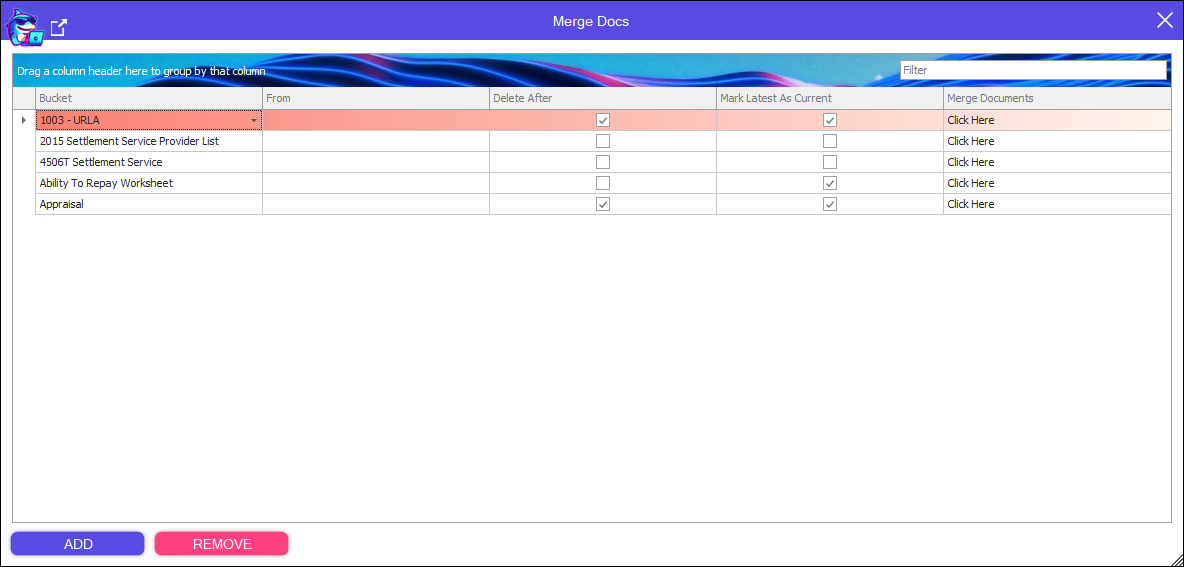
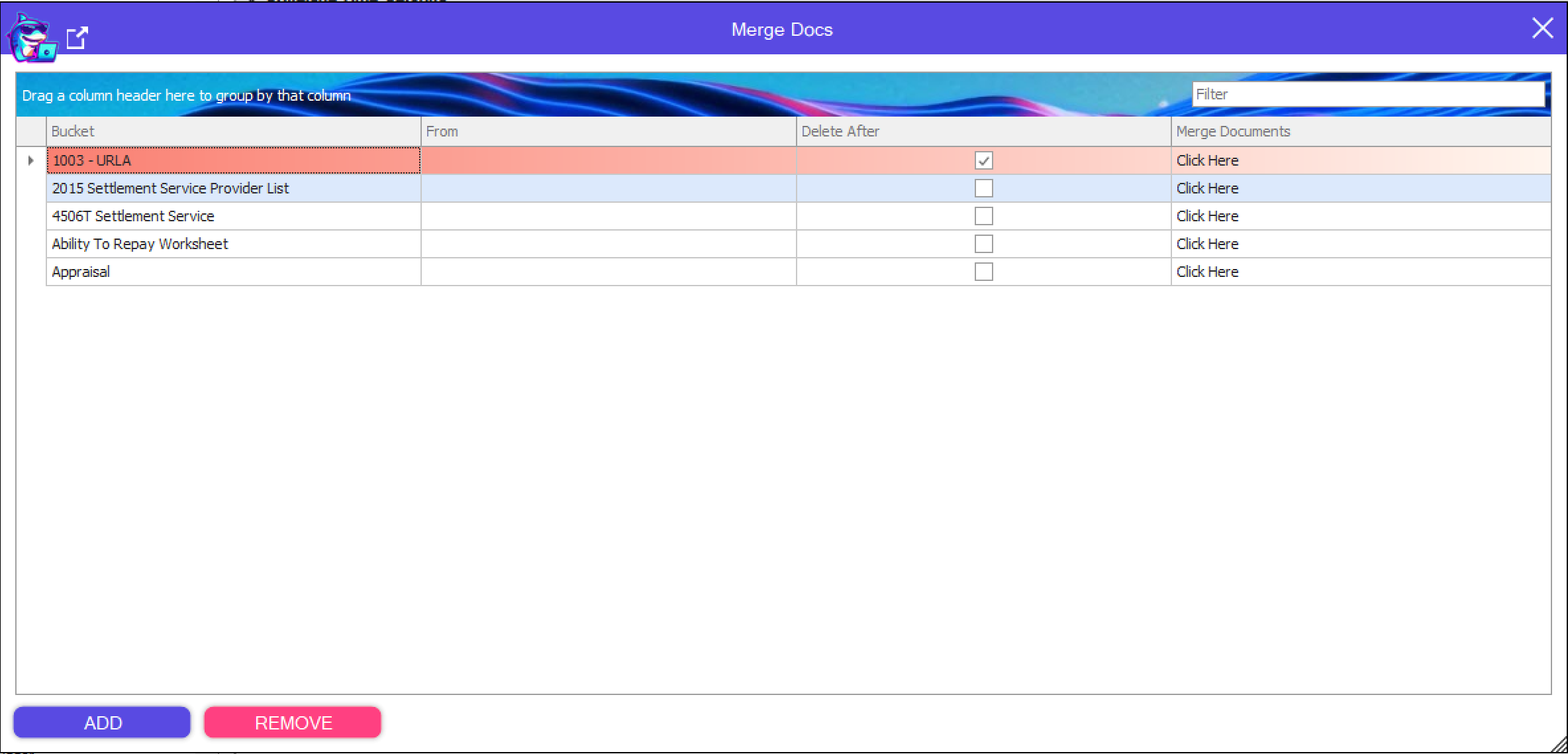
Control merging eFolder Document buckets
(4/28/2024) Update - Added support to Mark Latest Current
(5/14/2024) Update - Run rule before Loan Save.
MIP Touches
Description
Track how many times your users are hitting get mi
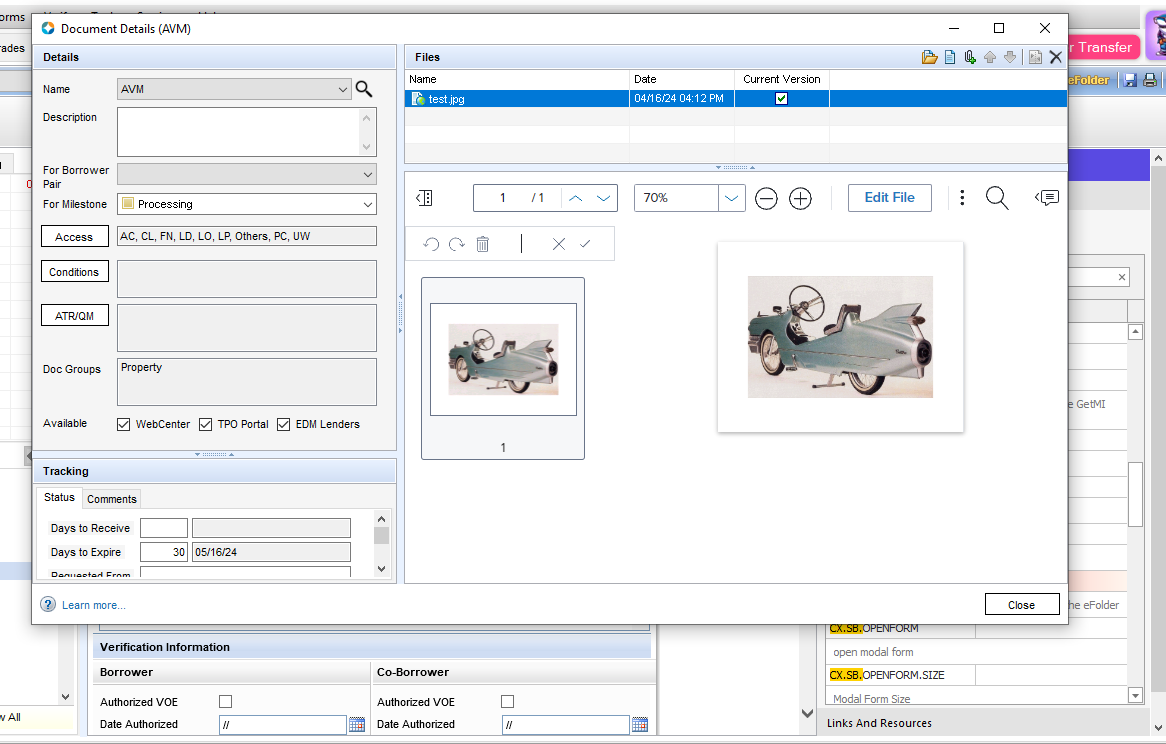
Open eFolder Document
Description
Bypass the eFolder and open your Documents directly from Business Rules or Custom Form Button Code.
Set Field [CX.SB.OPENDOCUMENT] to the name of the Document you wish to open either in a Business Rule or Custom Input Form.
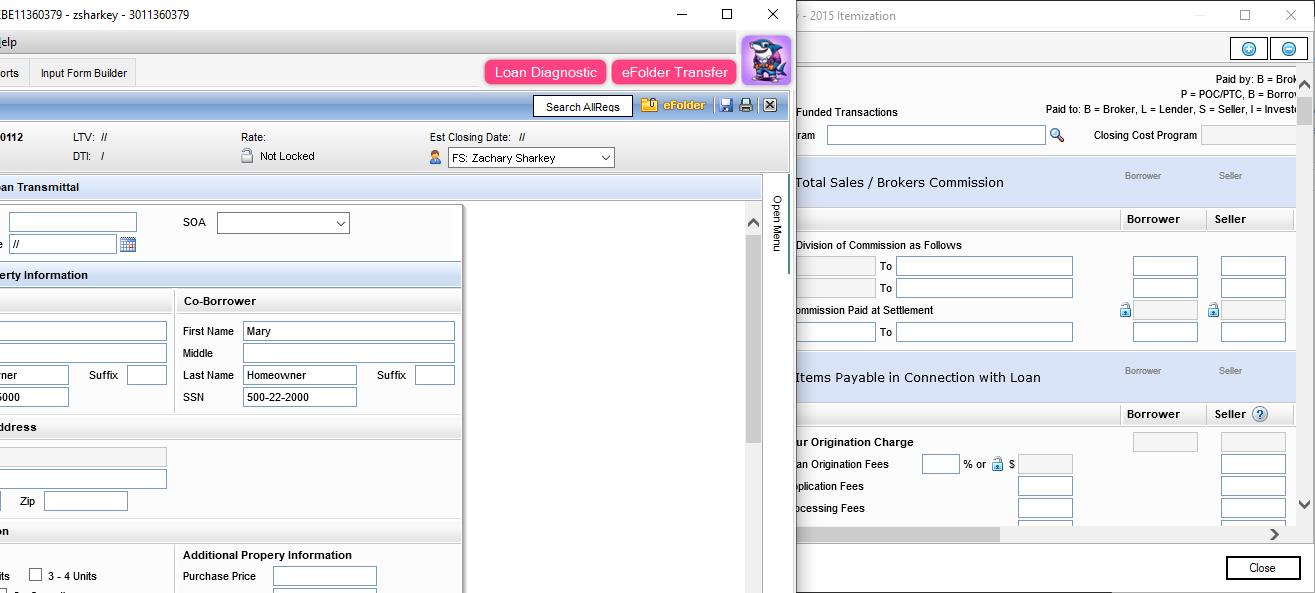
Open Modal Form
Description
Finally you can open 2015 itemization as a popup, but you can go back to the loan and keep the window open!
Open any form now as a Non-Modal popup so you can keep the window open and work in the loan at the same time.
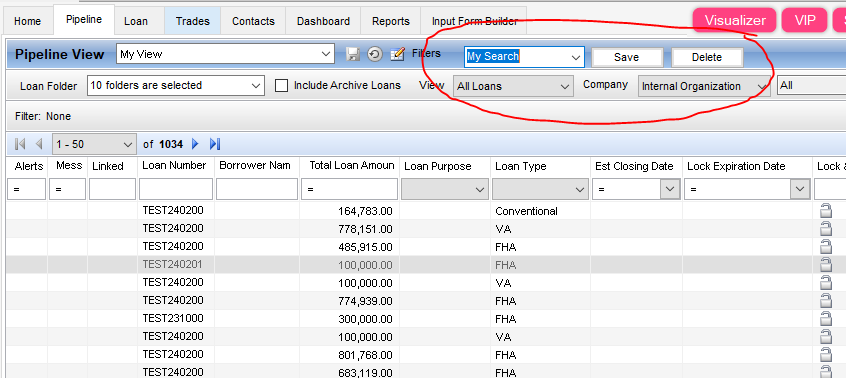
Pipeline Advanced Search
Description
Always filtering your pipeline views?
Save your filters based on your Pipeline View.
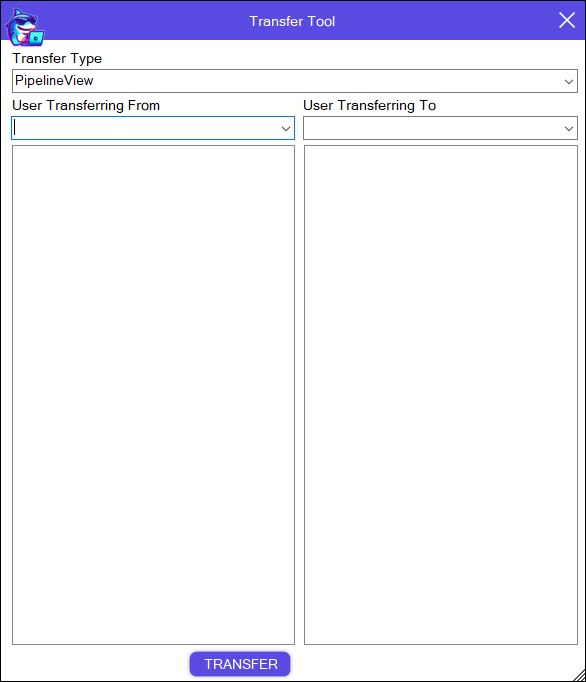
Pipeline View Transfer
Description
Do you need to transfer your Users Pipeline Views to other users?
This tool allows for just that, quickly transfer personal pipeline views from one person to another.
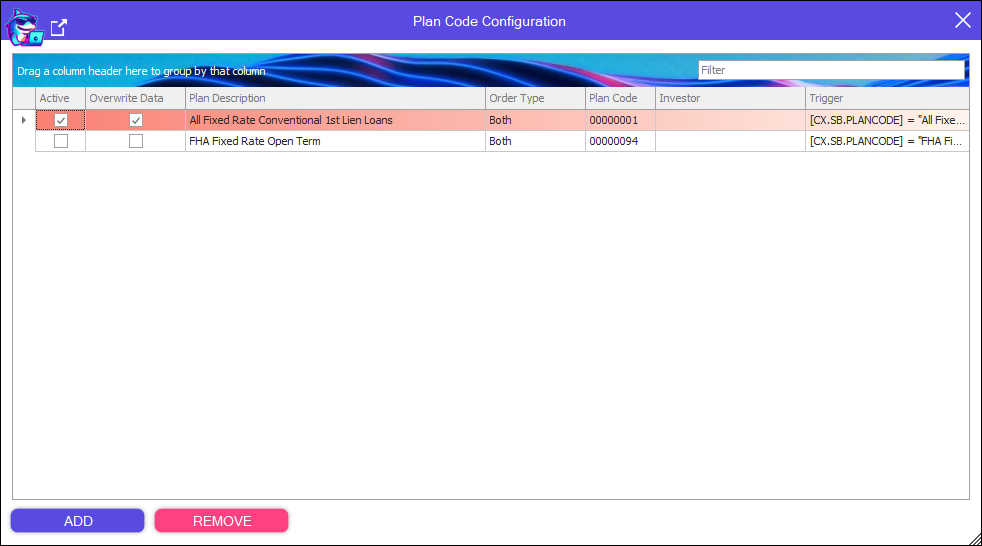
Plan Code
Description
Apply plan codes from Business Rules or Custom Input Forms
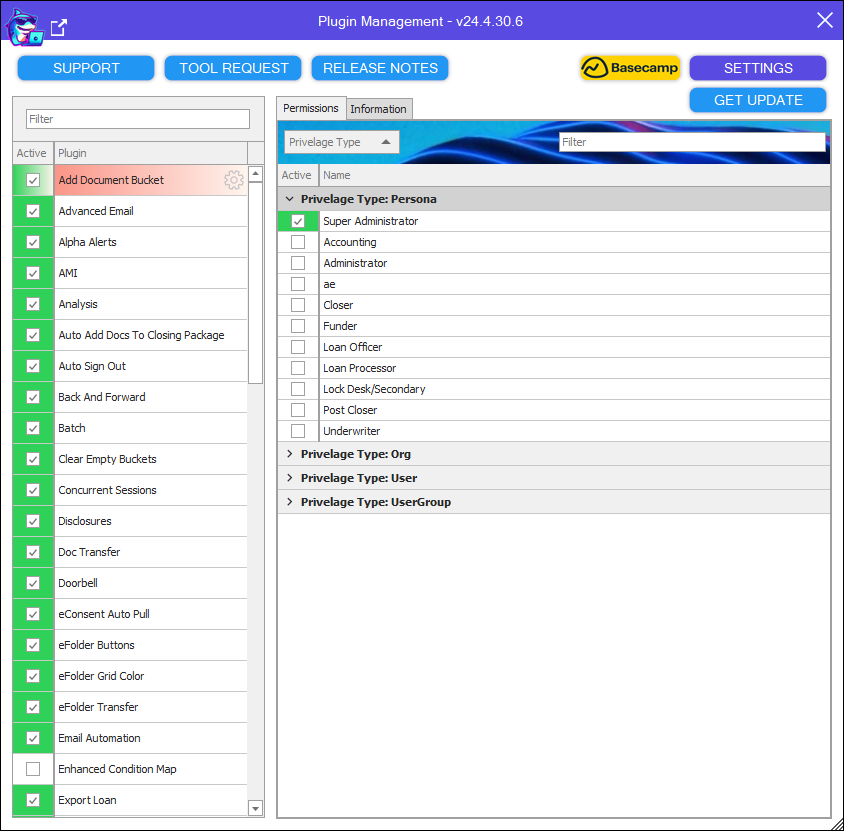
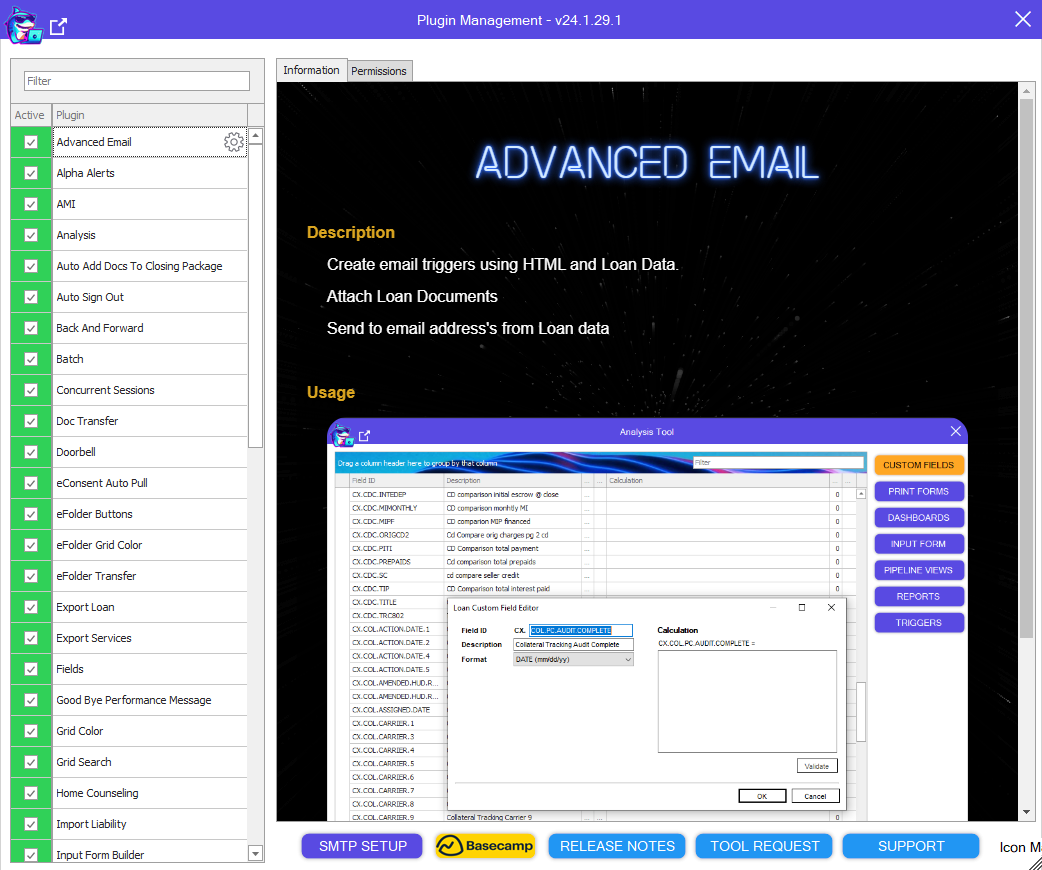
Plugin Management
Description
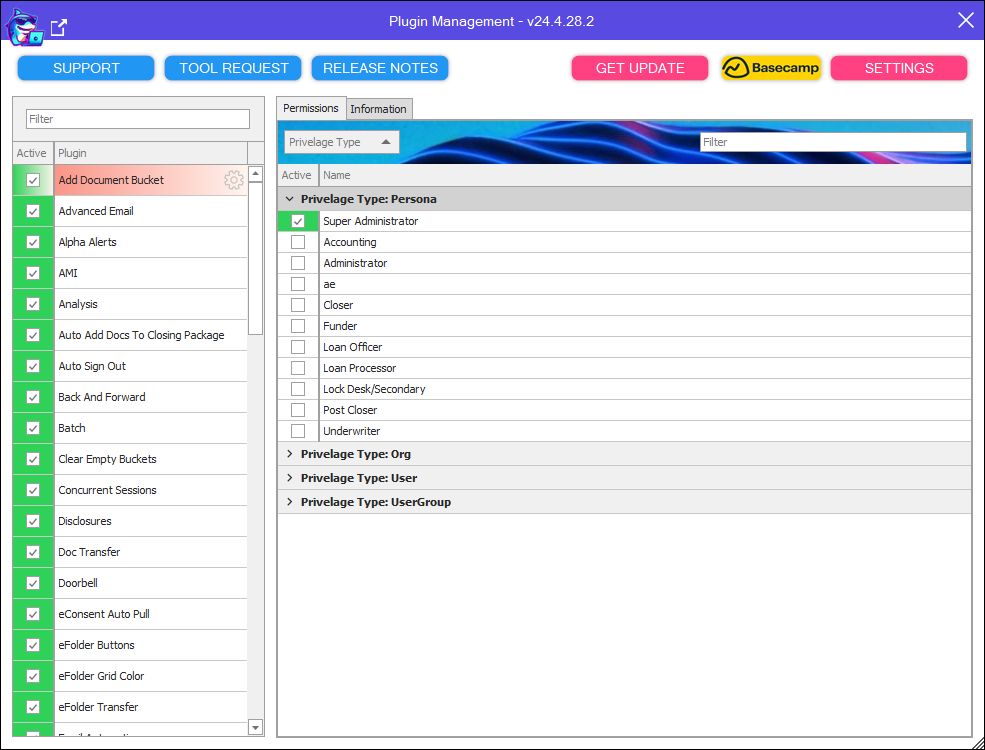
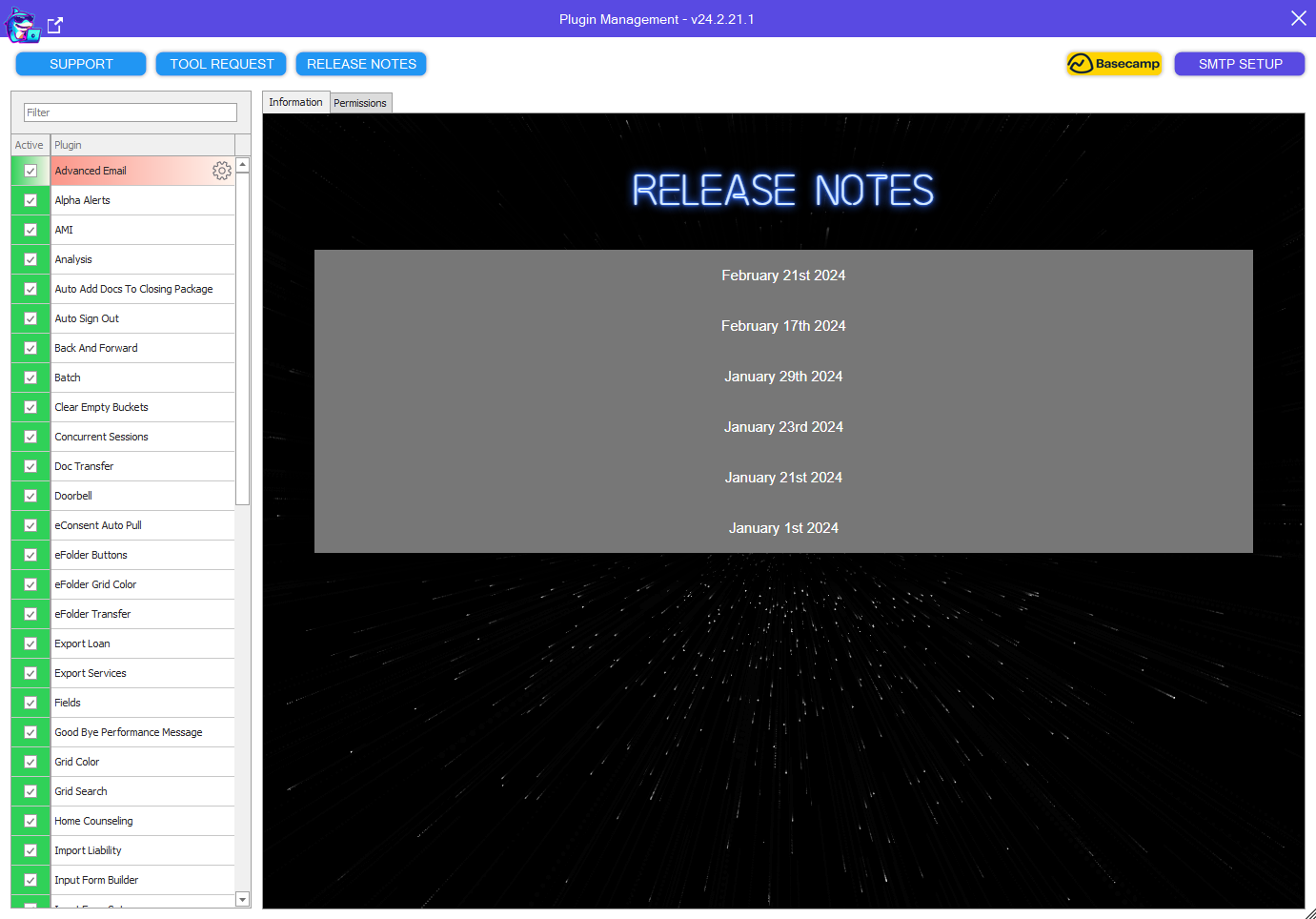
Control the User Access to the entire plugin suite By Persona, Organization, Individual User or by User Group
You will find descriptions and screen shots for all plugins
Click to go to Plugin Release Notes
Click to create a Support Ticket
Click to create a new Idea Ticket
Go directly to Basecamp to get help from the Encompass Community
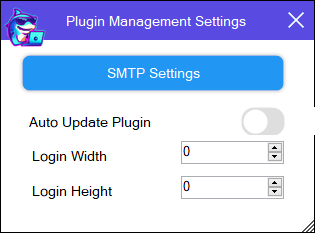
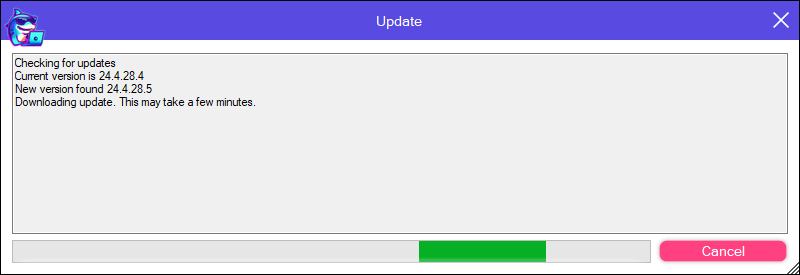
(4.28.2024) Update - Added Ability to not auto install updates
(4.28.2024) Update - Added Ability to set the start size of Encompass
Print Form To eFolder
Description
Print Custom Print Forms to the eFolder from Business Rules or Input Form Code
To Print the current Input Form, set [CX.SB.PRINT.INPUTFORM] to the name Bucket you want to print to.
By default it will print to the name of the current Input Form
(4.28.2024) Update - Added support for Standard Print Form printing to eFolder
To Print a Custom Print Form, set [CX.SB.PRINT.PRINTFORM] to the name of the bucket comma then the name of the Form.
Example: [CX.SB.PRINT.PRINTFORM] = "Appraisal,Appraisal Request" would print the Appraisal Request Form to the Appraisal Document Bucket and create the bucket if not already there.
Print URL To eFolder
Description
Print any web url to the eFolder from Business Rules or Input Form Code
To Print set field [CX.SB.MISC.TRIGGER] to "printurl www.google.com"
Push To Production
Description
Drag and Drop your Business Rules from Test to Production. Automatically archive the old rule.
Reassign
Description
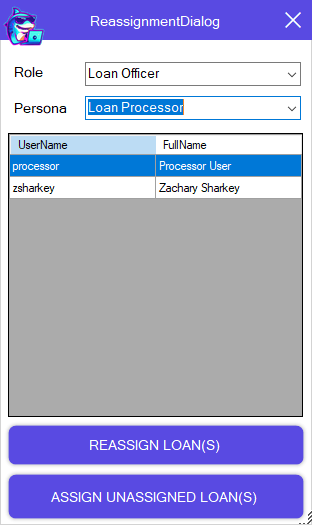
Reassign Roles from the Pipeline. Our tool also lets you assign unassigned Roles!!
Remind eSign Packages
Description
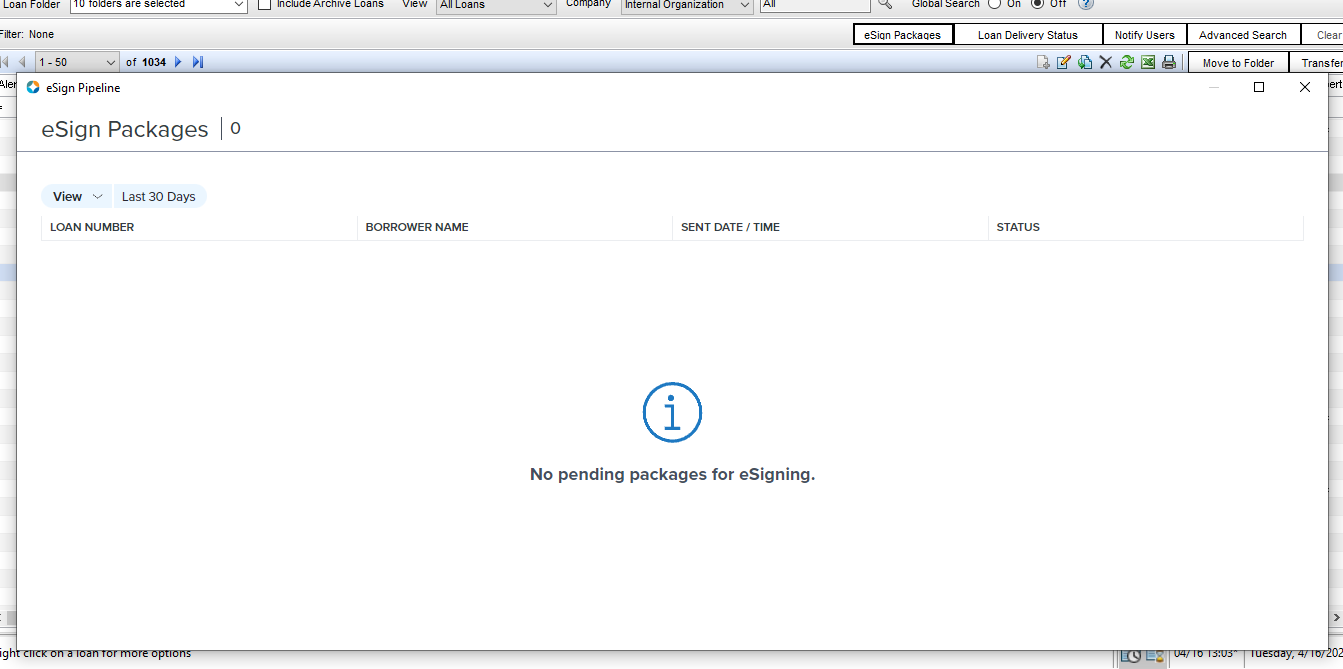
Enable this plugin for your loan officers, if there are packages to sign the window will pop up when they login instead of having them remember to do it.
Remove Provider
Description
Do you need to hide a Service Provider from My List and All List, our tool allows you to do that without removing as Super Admin.
Restrict eFolder Buttons
Description
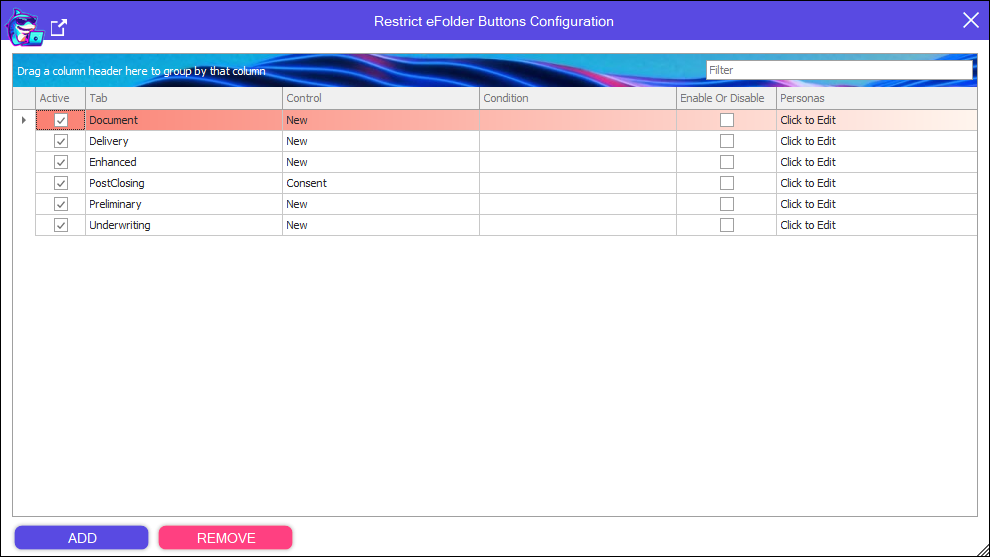
Override the buttons in the eFolder, either Enabling or Disabling.
Role Field Map
Description
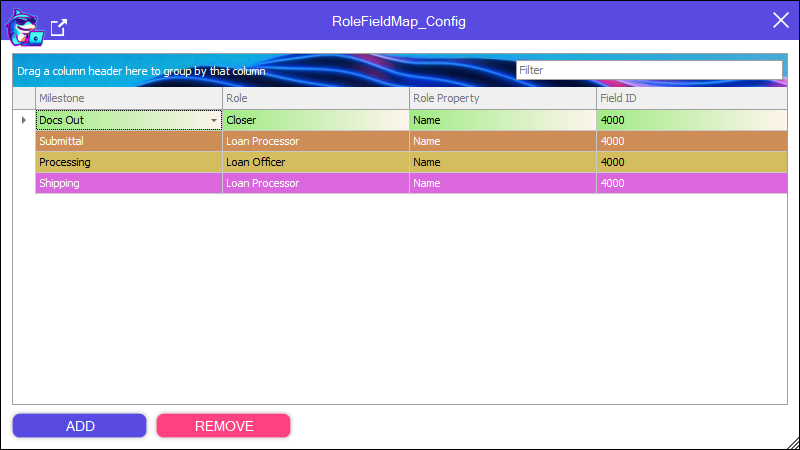
Map the properties of Roles to specific Milestones, to Fields of your choosing.
Sandbox Mode
Description
Allow your users full access to Loans without the ability to Save.
All Business Rule Field restrictions turned off.
Search Documents
Description
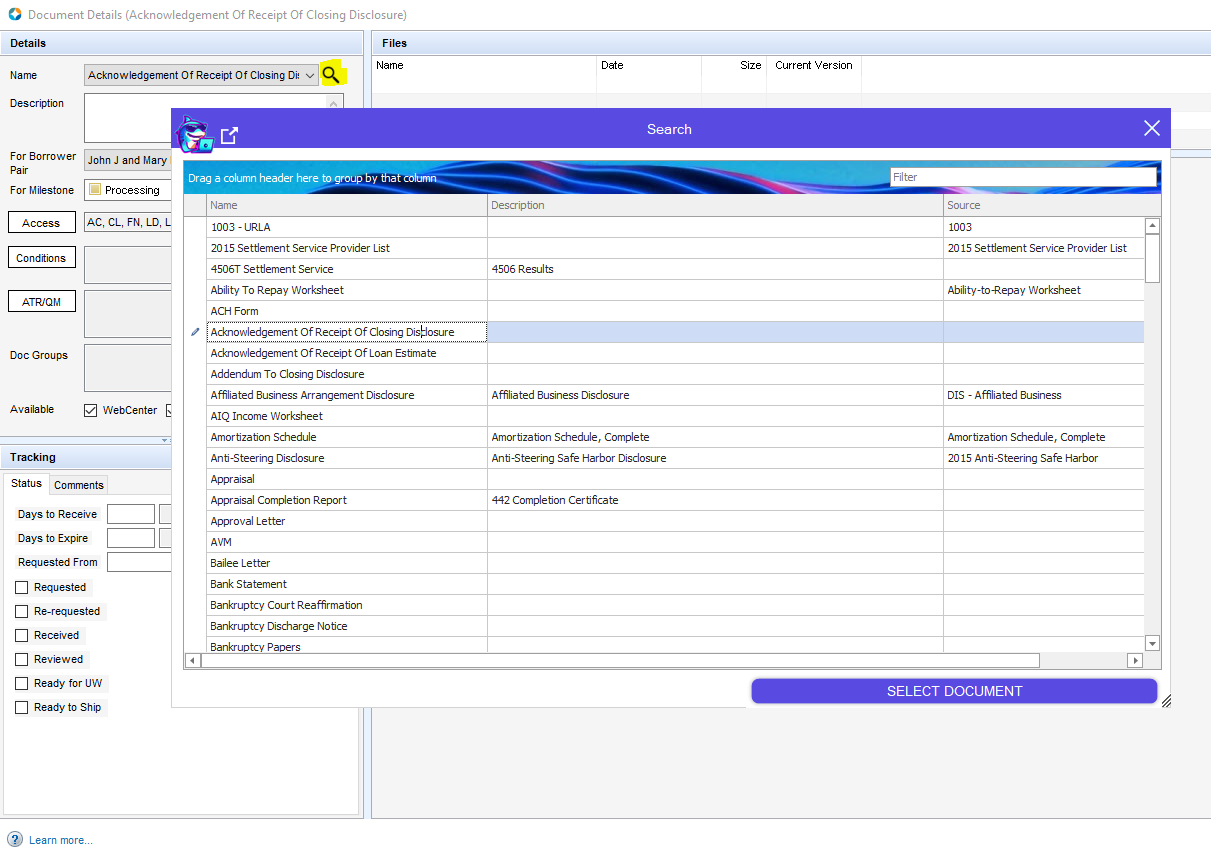
Force your users to select from your Document list when creating documents to prevent misspellings.
Setting Extract
Description
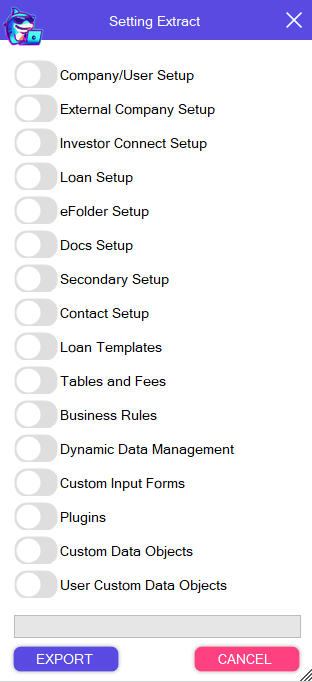
Extract every setting out of Encompass, even your Managed Services Passwords you probably forgot!
Show Column Field
Description
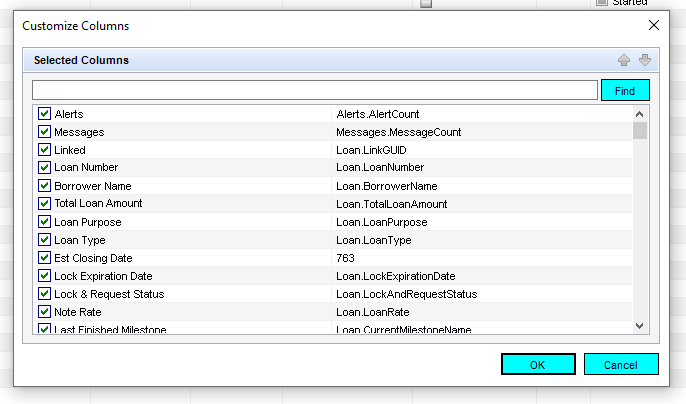
How frusterating is it when you are adding another field to the Pipeline Grid and your search returns 5 fields with the same description.
Our tool adds another column showing you the actual field ID, as well as allowing you to search directly for field ids instead of just the description.
Side Menu
Description
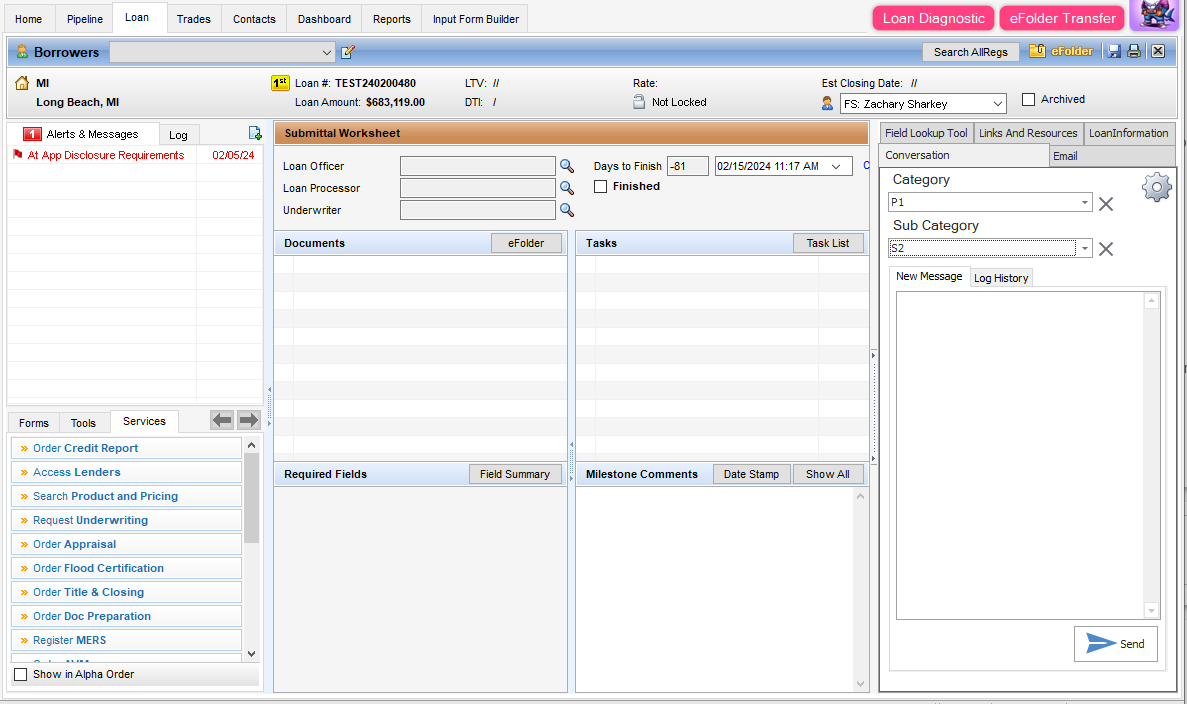
A static menu in your loans that stays there all the time.
Field Tool allows for lookup and setting of all fields, switch to Audit mode to inspect the full list of audit changes.
Links Tool allows you to setup links by persona for your Users. Print Form, Go To Form, To To Link, Open Email and MORE
5.7.2024 - Added Email and Conversation Log Tools.
Skin Encompass
Description
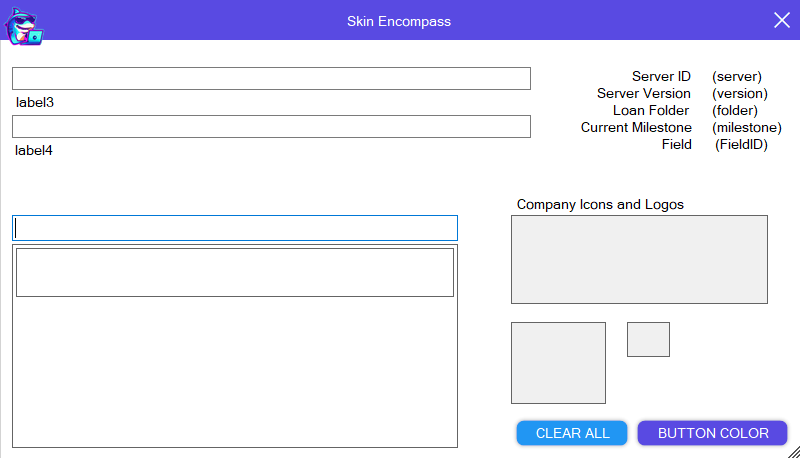
Finally a tool that can personalize the colors in Encompass to match your Company.
Set your company logo and colors to theme Encompass
Stop Welcome Message
Description
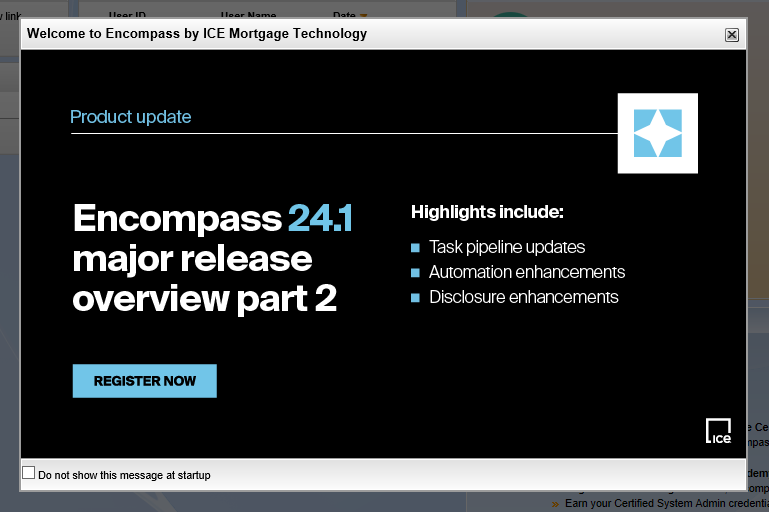
Get rid of the Encompass Announcements at Login, letting the Login process finish quickly.
User Metrics
Description
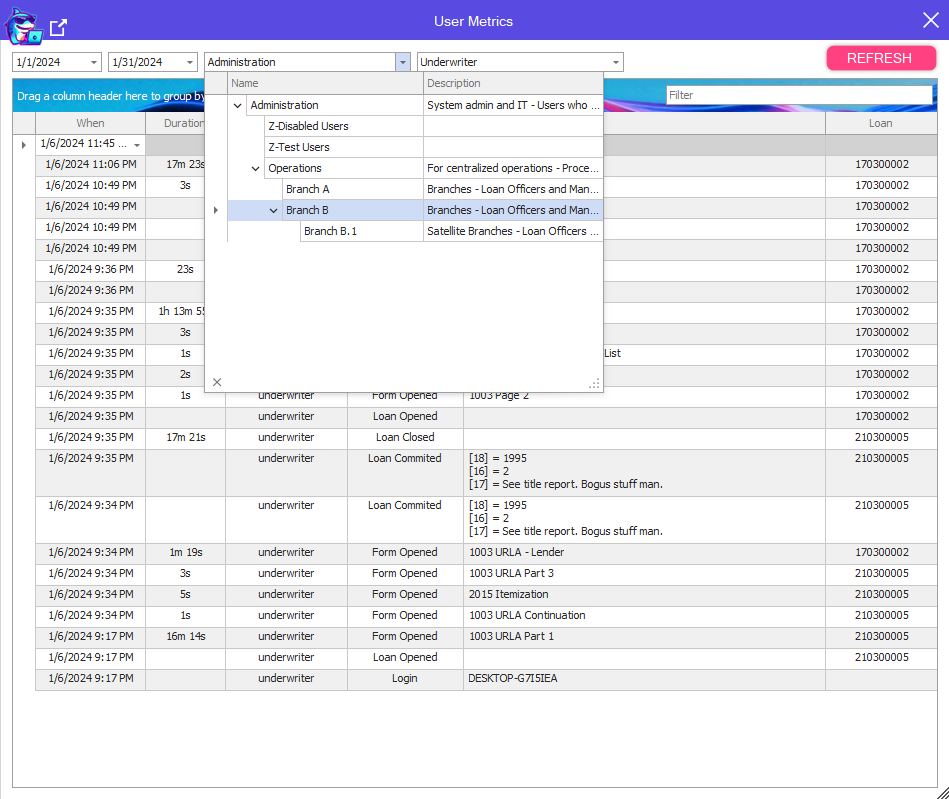
Track all of your Users activity in Encompass including:
Login Event
All Screen Usage
Pipeline Exports
Reports Ran
Loan Open
Service Events
Milestone Completed
Loan Form/Tool Duration
Loan Save
Fields modified by User
MIP Clicked
eFolder Buttons Pressed
Loan Close with Duration
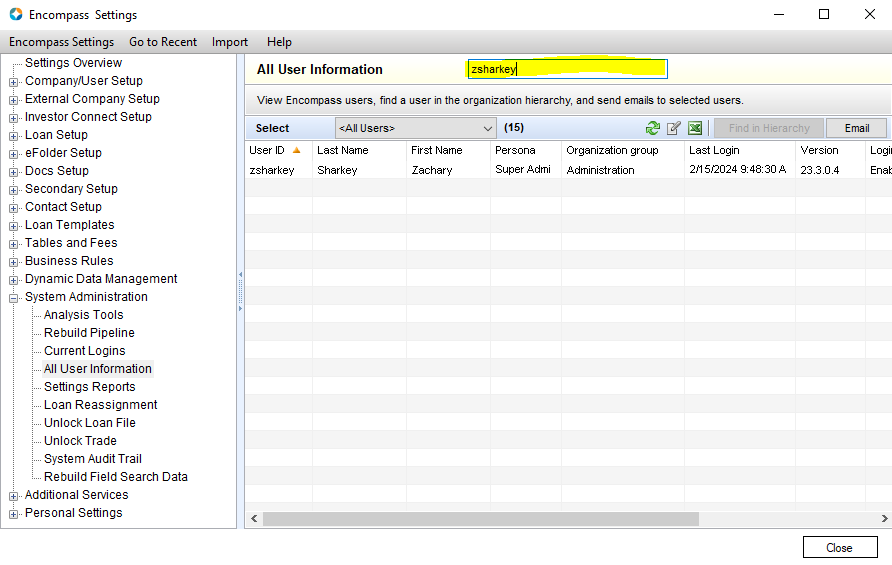
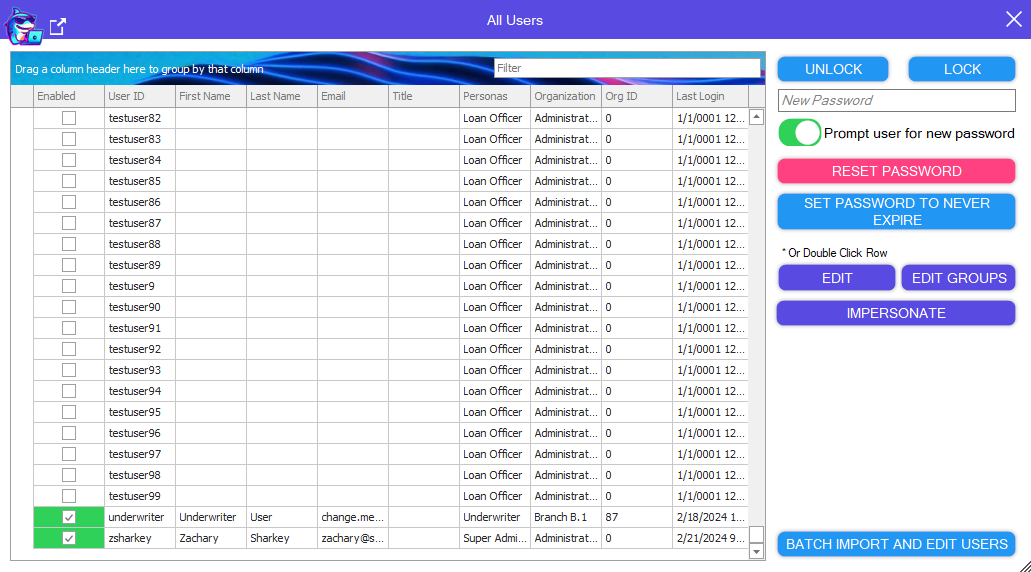
Users
Description
Your support teams new favorite tool.
Unlock, Lock, and reset Users passwords with 1 click.
Edit Users and Edit User Groups quickly.
Stop creating endless test users to match a User you are troubleshooting
The impersonation tool allows you to take over as them, your pipeline refreshes with their view.
Loans open as them, any changes you make will be made with their UserID
Batch Import New Users or Batch Modify current Users by Excel File quickly!
USPS Address Validation
Description
Automatically validate the Property Address any time it is completely filled out, or changes.
Screenshot of the validation from USPS.com will be uploaded to the eFolder.
Vip
Description
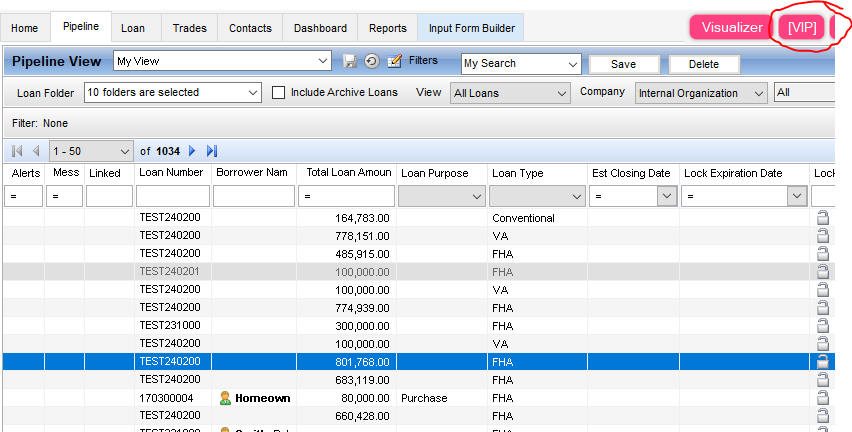
Need more confidentiality than Employee Loans?
This tool allows you to setup a VIP User Group.
Only users in the group can see, mark or open VIP loans
Virtual Fields
Description
Trigger loan open with your business rules and more!
Visualizer
Description
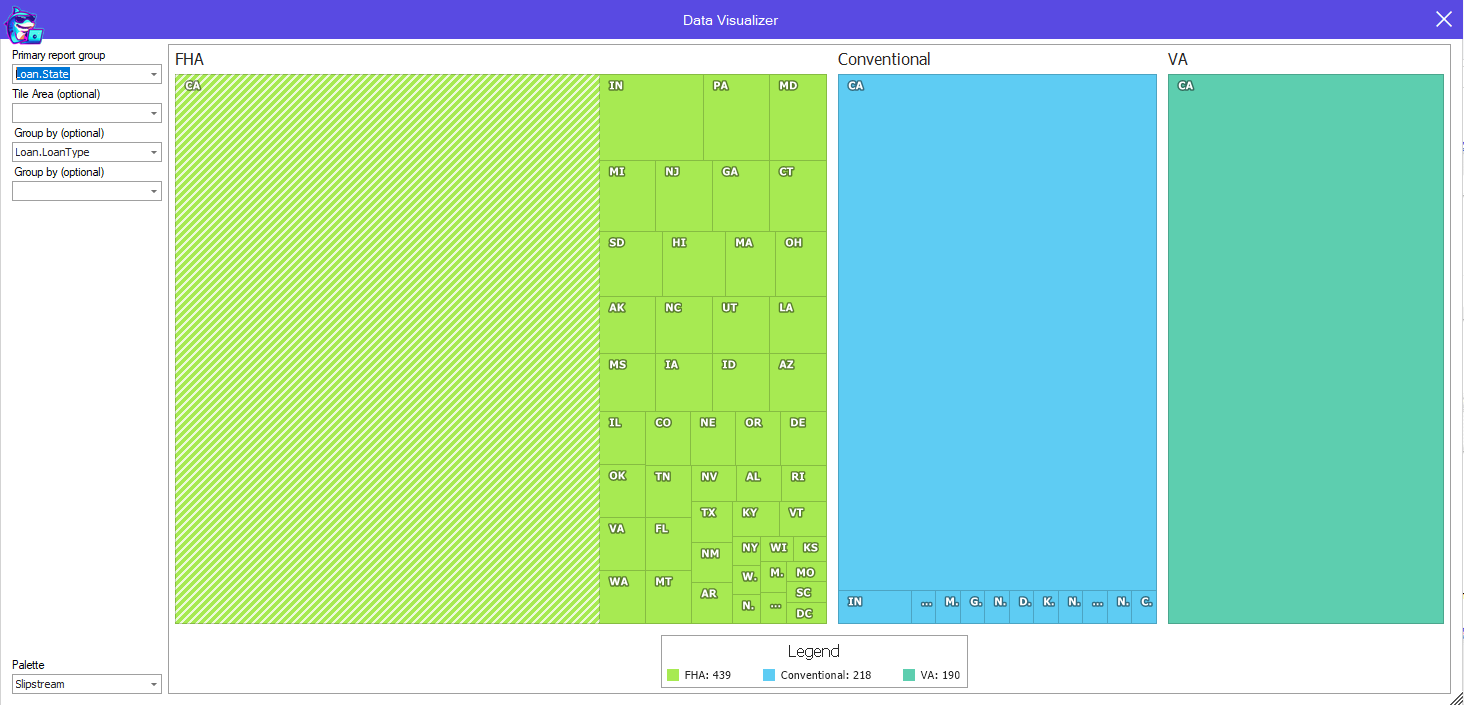
Visualize your Pipeline or Report data however you want.
Group by State, branch, Loan Type or any column you want.
Calculate totals, sums or averages of number fields.
Release Notes
Plugin
* New Feature - Merge Docs - Run rule before Loan Save.
* New Feature - Analysis Code Tester - Copy Current Loan Values
Plugin
* New Tool - Auto Retrieve - Automatically download documents that are available before saving a Loan.
* New Tool - Clear Escrow Account - Clear Escrow Account from Business Rules or Custom Input Forms.
* New Tool - (Side Menu) Email Tool - Use Advanced Email Templates to let your users send out preformatted emails.
* New Tool - (Side Menu) Conversation Log Tool - Easily add to the conversation log, store comments with Categories and Sub Categories for easier tracking.
Plugin
* New Tool - Restrict eFolder Buttons
* New Documentation Page Live in Plugin Management and at SharkeyByte.com once you Register
Plugin
* New Feature - Print Form to eFolder - Added support for Standard Print Form printing to eFolder
* New Feature - Merge Docs - Added support to Mark Latest Current
* New Feature - Plugin Management - Turn off automatic Updates
* New Feature - Plugin Management - Set Encompass start Size
Plugin
* New Tool - Enhanced Condition Map - Map any Enhanced Condition Property to a field.
* New Feature - Enhanced Condition Color Tool - Enhanced Conditions are now available to create rules in the eFolder Color tool.
Plugin
* New Tool - Milestone Role Field Map - Map the milestone based role properties at your discretion.
* New Tool - Auto Close Encompass Login Popup - Don't let the Encompass Login popup stop your Login process.
* New Tool - Generate and Email Reports Automatically on a Schedule - Send reports daily
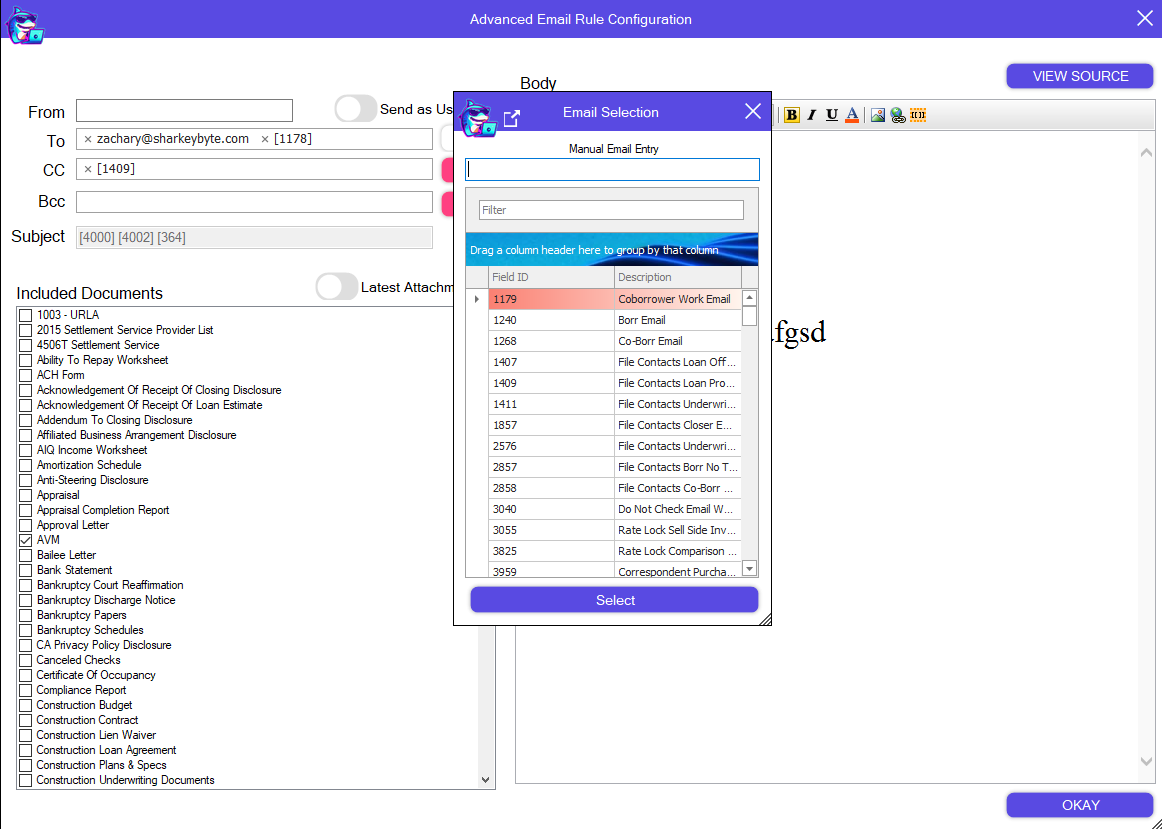
New Feature - Advanced Email - Added ability to add emails based on Encompass Fields
New Feature - Input Form Builder - Sort the controls alphabetically for easier navigation when building forms.
Plugin
Input Form Builder - Added new feature to lock forms for editing
Plugin
Print Form To eFolder - Fixed Documentation for printing Custom Print Form.
Loan Folder Move - Added more details to Simulating